
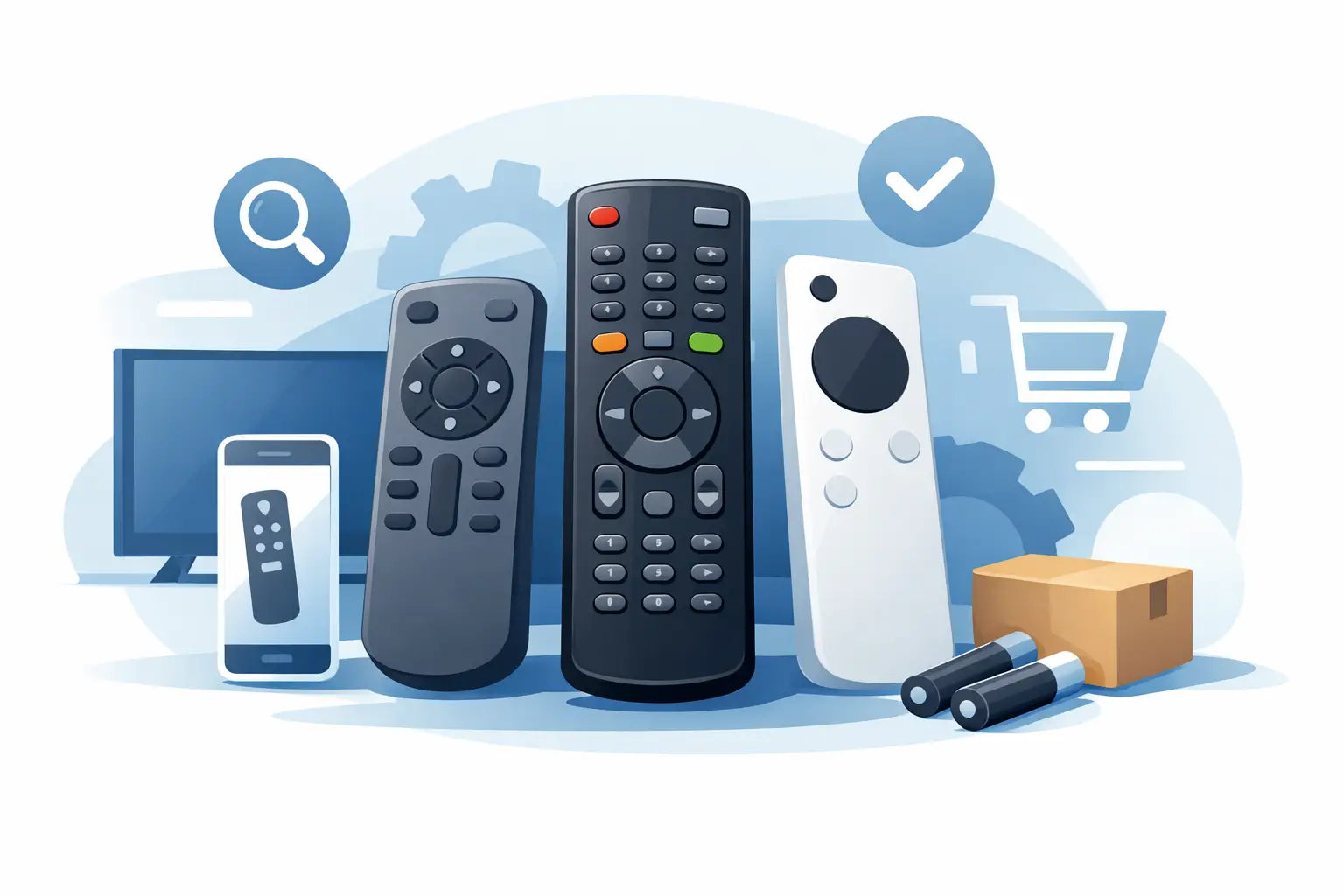
The old remote usually stops working at the worst possible moment - battery cover missing, buttons worn smooth, or the whole thing simply vanished into the sofa years ago. If you are looking for a guide to buying replacement remotes, the main thing to know is this: getting the right one is usually quick and affordable, as long as you check a few details before you order.
A replacement remote should solve a problem, not create another one. The aim is simple - find a handset that works properly with your TV or device, arrives quickly, and does not leave you guessing whether half the buttons will function. That means paying attention to model numbers, compatibility and the difference between original-style and universal options.
Why this guide to buying replacement remotes matters
Many people assume all remotes for the same brand are interchangeable. That is where mistakes happen. A Samsung remote may look right but still miss key functions for your exact TV. The same goes for LG, Philips, Panasonic, JVC, Bush, Logik and other popular makes. Similar-looking handsets can have very different layouts, signal types and menu controls.
Buying the wrong remote is frustrating because the problem seems small, but it can stop you using the device properly. You might manage volume and channel changes, yet lose access to source settings, smart features or tuning options. For households with children, older relatives or shared TVs, that quickly becomes more than a minor annoyance.
A good replacement puts everything back to normal without the cost of replacing the whole television. That is why it pays to spend a couple of minutes checking the details instead of ordering the first remote that looks close enough.
Start with the model number, not the photo
The safest way to buy a replacement remote is to identify the exact model of your TV or device first. Most people search by brand because that feels easier, but brand alone is rarely enough. Manufacturers produce large ranges over many years, and remote compatibility often depends on the specific model series.
You will usually find the model number on a sticker at the back of the TV, on the side panel, inside the battery compartment of the old remote, or in the user manual if you still have it. On some sets, it also appears in the on-screen settings menu. Write it down exactly as shown, including letters, numbers and any hyphens.
This matters because one missing character can lead to the wrong product. A remote listed for a 43-inch model may not fully suit a 50-inch version in the same range. If a retailer lists compatible model numbers clearly, that is a strong sign you are looking at the right kind of product.
Original-style or universal remote?
This is the decision most buyers need to make. An original-style replacement remote is designed to mirror the functions and layout of the handset that came with the device. In most cases, this is the easiest option. It tends to be straightforward, familiar to use and less likely to need setup.
A universal remote can be useful if you want one handset for several devices or if your original remote is no longer available. The trade-off is that setup may take longer, and some specialist features might not be as intuitive. For a bedroom TV or a second set used mainly for basic viewing, a universal model may be enough. For the main family television, many people prefer an original-style replacement because it keeps things simple.
It depends on how you use the device. If you just need power, volume and channels, a compatible universal remote may do the job. If you regularly use streaming apps, input selection, recordings or menu settings, a model-specific replacement is usually the safer choice.
Check whether it needs programming
One of the most useful things to look for is whether the remote is ready to use straight away. Many replacement TV remotes are pre-programmed and only need batteries fitted before they work. That is ideal for households that want a quick fix without extra steps.
Some universal remotes, and a few compatible replacements, require setup with a code or pairing process. That is not necessarily a problem, but it is worth knowing before you buy. If the TV is used by someone elderly or by anyone who wants a simple swap, a plug-and-play style replacement is often the better option.
Always read the product description carefully. If setup is required, the listing should say so clearly. If the information is vague, treat that as a reason to pause and double-check.
Look closely at the buttons you actually use
Not every buyer needs every button, but the key functions should match your daily use. Start by thinking about the controls that matter in your home. That might be Netflix and smart TV shortcuts, input selection for a games console, guide and menu access, or basic channel and volume controls for straightforward viewing.
Photos are helpful, but the written compatibility details matter more than appearance alone. Two remotes can look almost identical from the front while behaving differently in use. If the listing confirms the supported models and describes the remote as a direct replacement, that carries more weight than a matching shape.
If your old remote still partly works, compare the main button layout before ordering. If it is completely missing, focus on the TV model number and product description rather than trying to judge from memory.
Brand compatibility should be clear
A proper product listing should make compatibility easy to understand. For popular brands such as Panasonic, JVC, LG, Philips, Bush, Samsung and Logik, you should expect to see either exact model references or a clear statement that the remote is suitable for a defined range.
Be cautious with listings that only say "for Samsung" or "fits LG TVs" without backing that up. That kind of wording is too broad. Good compatibility information reduces returns and gives you more confidence before checkout.
This is where a specialist spare-parts retailer often makes life easier. Instead of vague descriptions, you are more likely to get proper matching information, clearer stock visibility and a better chance of finding older or harder-to-source remotes.
Price matters, but so does the hassle factor
Most people shopping for a replacement remote are trying to solve an annoying problem quickly and cheaply. That is sensible. In many cases, a replacement remote costs far less than people expect, especially compared with replacing the television itself.
Still, the cheapest option is not always the best value. A very low-priced remote that arrives late, feels flimsy or lacks key functions can end up wasting more time than it saves. It is usually worth paying attention to build quality, button layout and how clearly the product has been matched to your model.
Fast dispatch matters too. If the main household TV is hard to use without a remote, speed becomes part of the value. A dependable retailer with ready stock can be a better choice than a marketplace listing that leaves you waiting or guessing.
Common mistakes to avoid when buying replacement remotes
The biggest mistake is ordering by appearance alone. The second is assuming all remotes from one brand will work the same way. After that, most buying errors come from incomplete model numbers, ignoring setup requirements, or choosing a universal remote when a model-specific one would have been easier.
Another common issue is forgetting to check batteries. It sounds obvious, but many people replace the remote after only trying one old pair from the kitchen drawer. Before you order, it is worth testing fresh batteries and checking the battery contacts for corrosion. If the old remote is physically damaged, though, replacement is usually the practical answer.
It also helps to check whether the problem is the remote or the TV sensor. If the TV does not respond to any handset at all, the issue may be elsewhere. But if the original remote has broken buttons, a cracked casing or an unresponsive keypad, replacing the remote is often the quickest fix.
Buying with confidence
A good guide to buying replacement remotes comes down to one principle: match first, buy second. Start with the full model number, choose between original-style and universal based on how you use the device, and check whether setup is required. Then look at delivery speed and product clarity, not just the lowest price.
For most households, the best replacement remote is the one that works straight away, includes the functions you actually use, and gets the TV back to normal without fuss. That is exactly why many customers use specialist suppliers such as Spares Direct Oldham - it is faster, clearer and far more reassuring than taking a guess.
If your current remote has stopped doing its job, there is no need to put up with it. A well-matched replacement can sort the problem in minutes and make the whole room feel functional again.