
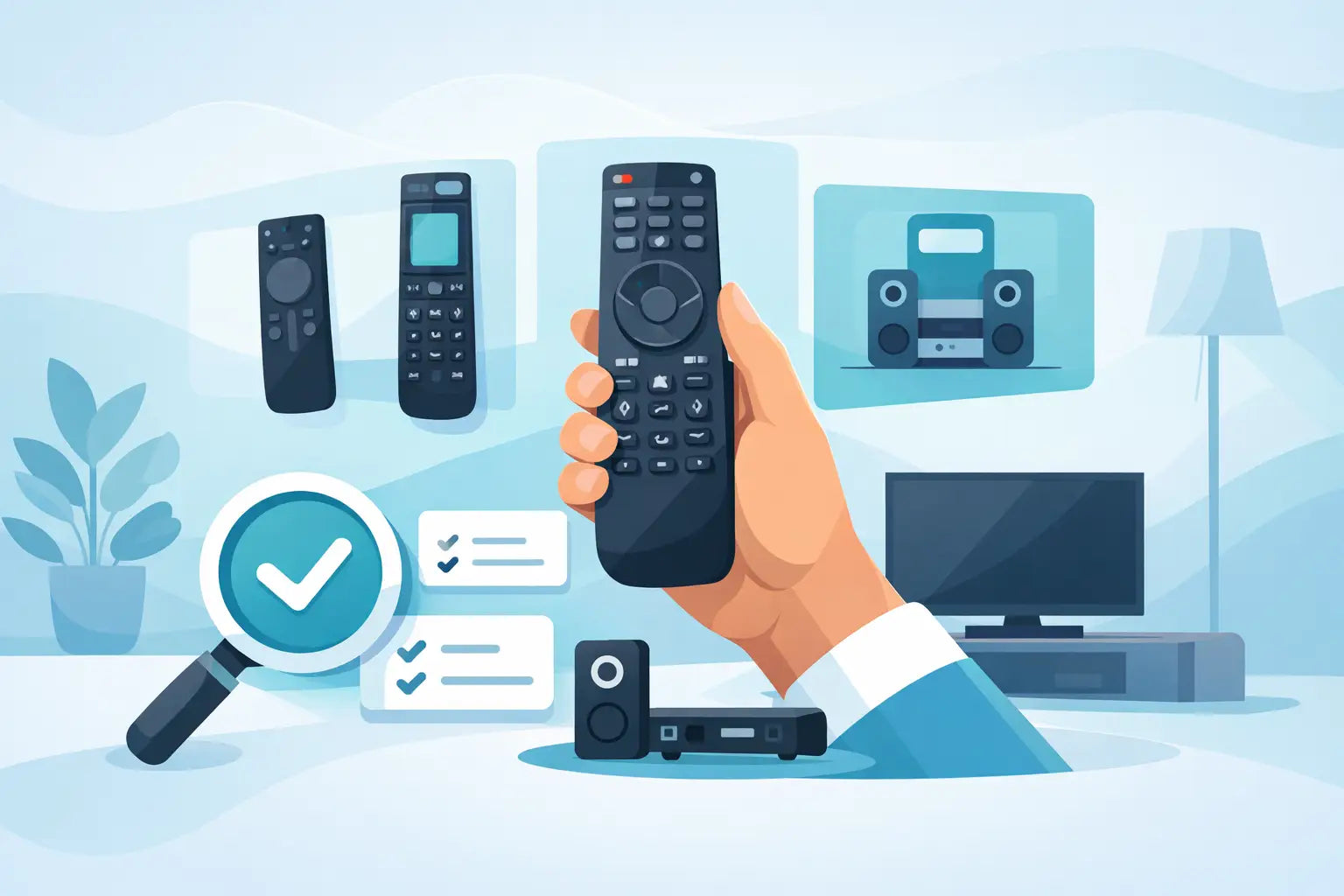
A remote usually stops working at the worst possible time - just as the original goes missing down the sofa, the buttons wear out, or the battery contacts give up. If you are trying to work out how to choose universal remote options without wasting money on the wrong one, the key is not buying the first cheap handset you see. A good match should control the devices you actually use, feel straightforward in the hand, and save you replacing a perfectly good TV or set-top box setup.
For most households, the right universal remote is less about fancy features and more about compatibility, button layout and ease of setup. That matters even more if the remote is for a family member who just wants the television to switch on, change channel and adjust the volume without any fuss.
How to choose universal remote without guesswork
The first thing to check is what you need the remote to control. Some universal remotes are built mainly for TVs, while others can operate multiple devices such as a soundbar, DVD player, Freeview box, Sky box or streaming unit. If your setup is simple, a TV-focused remote may be the better buy because it is often easier to programme and less cluttered with buttons you will never use.
If you need one handset for several devices, make sure the remote clearly states how many it can support. A "universal" label on its own does not tell you very much. One model may only cover a TV and basic volume control, while another may be designed to switch between four or five devices. The difference matters if you want to cut down the number of remotes on the coffee table.
Brand compatibility should be your next filter. Many universal remotes work with major brands such as Samsung, LG, Panasonic, Philips, JVC, Bush and Logik, but not every model supports every function. Power and volume are usually the easiest controls to replicate. Smart features, menu navigation, guide buttons and source selection can be more hit and miss depending on the remote and the device.
That is why it helps to know the brand and, if possible, the model number of the TV or device you are buying for. Even when a remote says it works with a brand, checking the model range gives you far more confidence that it will do what you need.
Start with your devices, not the remote
A lot of people shop the wrong way round. They compare remotes first, then try to force one to fit their equipment. It is usually quicker and cheaper to start with a list of the devices you want to control.
Write down the brand names and model numbers from the labels on the back or underside of each unit. For a television, this may be on a sticker near the power input or HDMI ports. For a set-top box or DVD player, it is often on the base. Once you have that information, compatibility becomes much easier to judge.
This is also the point where you should decide whether a universal remote is actually the best option. If you only need a replacement for one television and you want all the original functions, a direct replacement remote made for that brand or model is often the simplest route. Universal remotes are useful, but they are strongest when convenience matters more than having every single button exactly as before.
The features that matter most
When people compare remotes, they often focus on price first. Cost matters, but the cheapest option is not always the most practical if it is fiddly to set up or misses important buttons.
Button layout makes a real difference in day-to-day use. A remote with clear, well-spaced buttons is easier for children, older users and anyone who does not want to squint at tiny labels. If the most-used controls - power, volume, channel, mute, input and home or menu - are easy to find, the remote will usually feel better from the first day.
Backlit buttons can be useful in darker rooms, though they are not essential for every home. Larger remotes can be easier to handle, but they may feel bulky if you want something compact. There is always a trade-off between simplicity and extra functions.
Setup method is another big factor. Some universal remotes are programmed with brand codes entered manually. Others scan for compatible settings automatically. Neither approach is wrong, but code-based setup can be quicker when the correct code is available, while auto-search can help if paperwork has been lost. If you are buying for someone who is not confident with setup, a remote advertised as easy-programme or pre-programmed for certain brands may save time.
Battery type is worth a quick check too. Most use standard AAA or AA batteries, which is usually best for convenience. Proprietary charging systems may sound modern, but standard batteries are easier to replace at short notice.
How to choose universal remote for smart TVs
Smart TVs add another layer to the decision. A basic universal remote may handle power, volume, channel and input selection perfectly well, but that does not always mean it can fully control streaming apps, voice features or advanced menus.
If your television use is mainly live TV through Freeview, Freesat or a set-top box, a standard universal remote may be all you need. If you regularly use Netflix, YouTube, catch-up services or app navigation directly on the TV, check whether the remote supports smart functions and directional menu controls properly.
This is where honest expectations help. A universal remote can often restore everyday control quickly and affordably, but it may not copy every specialist function of the original smart remote. For many households that is perfectly acceptable. For others, especially if app use is central, a model-specific replacement could be the better fit.
Watch for these common buying mistakes
The most common mistake is assuming all universal remotes work the same way. They do not. Some are broad but basic. Others are more selective but offer stronger compatibility within certain brands.
Another mistake is ignoring the age of the device. Very old televisions and very new smart models can both create compatibility issues, though for different reasons. Older equipment may use less common coding systems, while newer equipment may rely on functions not covered by entry-level universal remotes.
It is also easy to overbuy. If all you need is a dependable replacement for one broken TV remote, a complex multi-device remote with dozens of rarely used buttons may only make things harder. On the other hand, if you are trying to control a TV, soundbar and box together, buying the simplest remote on the shelf may leave you short.
When a universal remote is the right choice
A universal remote makes sense when the original remote is missing, discontinued or too expensive compared with the value of the device. It is also a practical option when you want to reduce clutter and bring a few everyday controls into one handset.
For guest rooms, rental properties, older second televisions or family homes where remotes take a lot of wear, universal options can be especially useful. They are often affordable, easier to replace, and well suited to straightforward viewing setups.
If speed matters, buying from a specialist parts retailer can also remove a lot of uncertainty. Retailers that focus on remotes and compatible replacements tend to give clearer compatibility information than general marketplaces. That is often the difference between getting a working remote first time and ending up with another return to sort out.
A sensible checklist before you buy
Before ordering, confirm the brand and model of your TV and any other devices you want to control. Check how many devices the remote supports, whether it covers the functions you use most, and how setup is done. Look closely at the button layout rather than just the product image at a glance. If the remote is for an older relative or anyone who prefers simple controls, ease of use should come before extra features.
It is also worth checking whether a direct replacement remote is available alongside universal options. At Spares Direct Oldham, many customers start by looking for a universal solution and then realise a brand-compatible replacement is a better match for their exact setup. Having both options gives you more chance of getting the right fix quickly.
The best remote is not the one with the longest feature list. It is the one that works with your equipment, covers your everyday controls and gets your TV setup back to normal without hassle. Buy with compatibility first, convenience second and price third, and you are far less likely to end up searching again next week.