
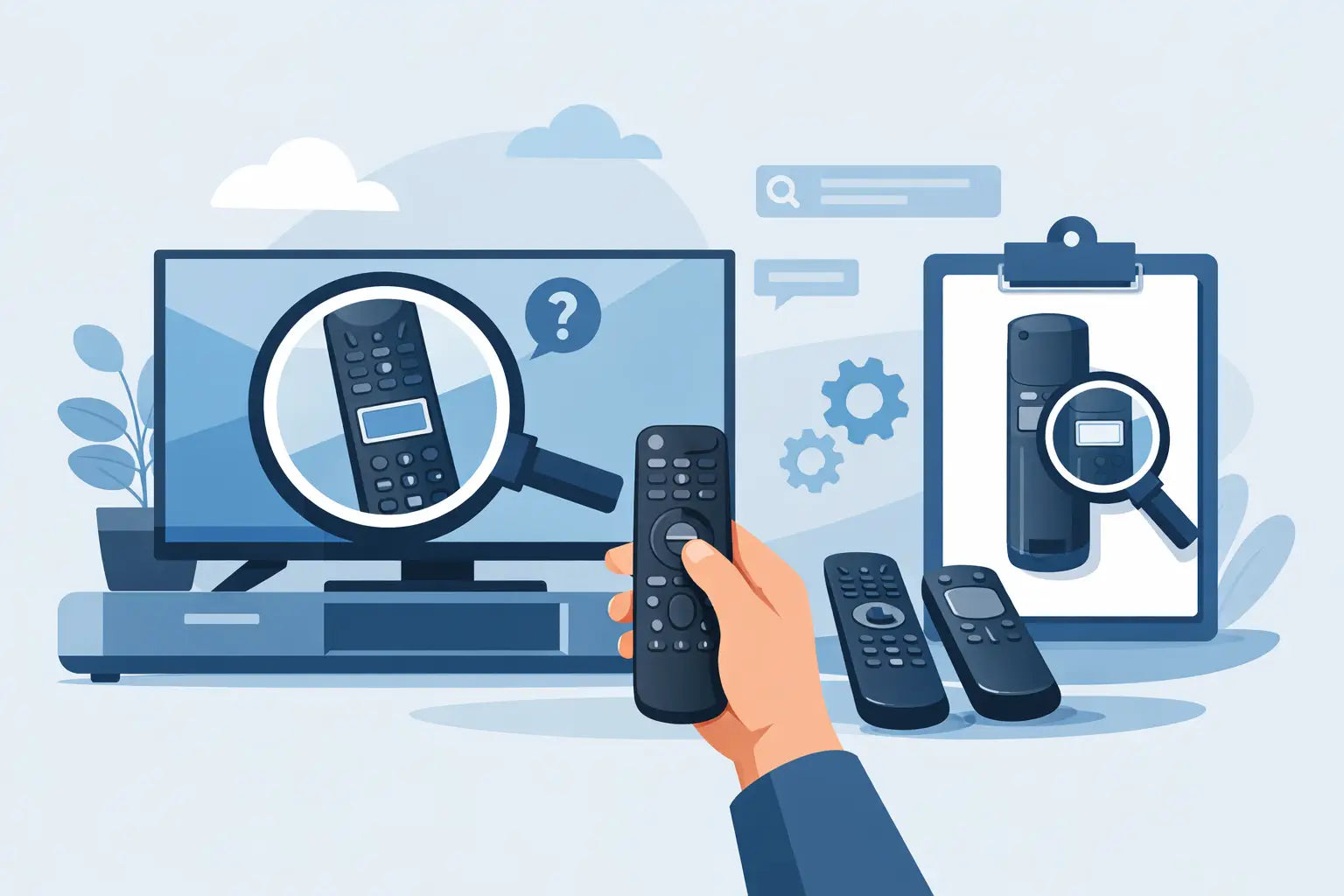
A remote stops working at the worst possible time - usually when the telly is stuck on the wrong input or the volume will not budge. If you are wondering how to find tv remote model number quickly, the good news is that it is usually printed in one of a few standard places, and if it is not, there are still reliable ways to match the right replacement.
Getting the model number right matters. A lot of remotes look almost identical, even within the same brand, and small differences in button layout or internal coding can mean one remote works perfectly while another does not. If you want a replacement that arrives quickly and works as expected, the model number is the best place to start.
How to find TV remote model number on the remote itself
The easiest answer is often the right one - check the remote before you check anything else. In many cases, the model number is printed directly on the casing. It may be on the front near the bottom edge, on the back above the battery compartment, or inside the battery cover.
Turn the remote over and look for a short code made up of letters and numbers. It might say something like RC1234, RM-Series, BN59, N2Q, AKB or a similar brand-specific code. Manufacturers often use these short identifiers rather than a full product description.
If the print is faded, hold the remote under a bright light and tilt it slightly. Silver or grey lettering can be hard to spot on black plastic, especially on older remotes that have had years of use. A quick wipe with a dry cloth can help if dust or greasy marks are hiding the text.
The battery compartment is another common place to check. Remove the cover and inspect both the inside of the cover and the recessed plastic underneath the batteries. Some brands place the code on a white sticker there because it stays protected from everyday handling.
Where the model number is usually printed
If you are still searching, it helps to know the most likely locations. On most TV remotes, the model number is found in one of these areas: the front face near the brand logo, the back casing, inside the battery compartment, or on a paper label fixed under the battery cover.
There is a small catch, though. Sometimes the number you find is a manufacturing code, not the actual remote model. If the label includes several strings of numbers, the useful one is usually the shorter alphanumeric code rather than a long serial or barcode number.
A serial number is unique to that individual item. A model number is shared across the whole remote type. If you are ordering a replacement, the shared model number is the one that matters.
If the print has worn off
This is common with older remotes, especially ones used daily in busy family homes. The buttons may still be visible, but the model number has rubbed away completely. When that happens, the next best option is to identify the TV model instead.
Look at the sticker on the back, side or underside of the television. There will usually be a model number for the TV itself, often longer than the remote code and clearly tied to the brand. Once you have that, you can usually match it to the correct remote or a compatible replacement.
This is often the quickest route if the original remote is badly worn, cracked or missing its battery cover. A replacement remote is normally listed against the TV model, so you do not always need the original remote code to move forward.
How to find TV remote model number using the TV model
If the remote model number is missing, use the television as your reference point. Start with the brand - Samsung, LG, Panasonic, Philips, JVC, Bush, Logik and other major makes all tend to have clear model labels on the set itself. Then note the full model exactly as printed, including any letters at the end.
This matters because one extra letter can indicate a different year, region or version. Two televisions that look the same from the front can use different remotes. It is always better to copy the model directly rather than rely on memory.
If your TV is wall-mounted and awkward to reach, check the original manual, box or purchase paperwork if you still have it. Some households also have the model number saved in an online order history. Any of those can help if the label on the set is difficult to see.
Matching by button layout when no code is visible
Sometimes neither the remote nor the television label gives you a clean answer. In that case, the button layout becomes the next clue. This is not as precise as using the model number, but it can still narrow things down.
Look for distinctive buttons such as Netflix, Prime Video, Rakuten, Freeview Play, Guide, Source or coloured function keys. The position of the navigation ring, volume controls and number pad can also help identify the remote family.
This method works best when comparing against clear product photos. It is less reliable for newer smart TV remotes, where brands may release several similar-looking versions with different voice, pairing or Bluetooth functions. If your original remote had voice control or a pointer function, that feature needs to be matched as well.
Original remote or compatible replacement?
Once you have the model number, or at least the TV model, you will usually have two choices - an original remote or a compatible replacement. For many households, a quality compatible remote is the practical option. It is often more affordable, quicker to source and designed to operate the main functions without extra setup.
That said, it depends on what you need. If you want every smart feature, voice command or specialist menu button exactly where you expect it, the original model may be worth seeking out. If you simply want to get the TV working again without paying over the odds, a compatible replacement is often the sensible choice.
The key point is compatibility, not just appearance. A remote that looks similar is not necessarily programmed for your set.
Common mistakes when checking remote model numbers
The biggest mistake is using the brand name alone. Telling yourself you need a Samsung remote or an LG remote sounds reasonable, but brands make dozens of remote types across different TV ranges. Without the model number or TV model, it is easy to choose the wrong one.
Another common issue is mixing up a serial number with a model code. If the label includes a barcode and a long string of digits, that does not usually help with replacement matching. Shorter alphanumeric codes are more useful.
It is also easy to miss the final character of a TV model when copying it down. Take a clear photo if possible. That saves you having to pull the set out again later and reduces the risk of ordering a near match instead of the correct one.
What to do if the original remote is lost completely
If the remote has disappeared altogether, do not panic. You can still find the correct replacement from the TV model. Check the label on the television and search by the full make and model. For most mainstream brands, this is enough to identify either the exact original remote or a compatible alternative.
If the set is older, there is a chance the original remote is discontinued. That does not always cause a problem. Many older televisions still have reliable replacement remotes available, and in some cases they are easier to buy than the original ever was.
This is where a specialist spare-parts retailer can save time. Instead of guessing between generic handsets, you can match by brand and model and choose a replacement intended for that set.
A quicker way to get the right remote
If you want to avoid trial and error, collect the two details that matter most: the remote model number if visible, or the TV model number if it is not. One of those is usually enough to identify a suitable replacement. For households that need the telly working again quickly, that is the simplest route.
Spares Direct Oldham stocks replacement TV remotes for major brands and many harder-to-find models, which makes the process easier when the original handset is broken, worn or missing. The less time you spend guessing, the sooner you can get the right remote through the post and get back to using your TV as normal.
If you are staring at a blank remote and faded print, start with the battery cover, then check the TV label, and copy every letter and number exactly. A minute spent checking properly can save days of ordering the wrong part.