
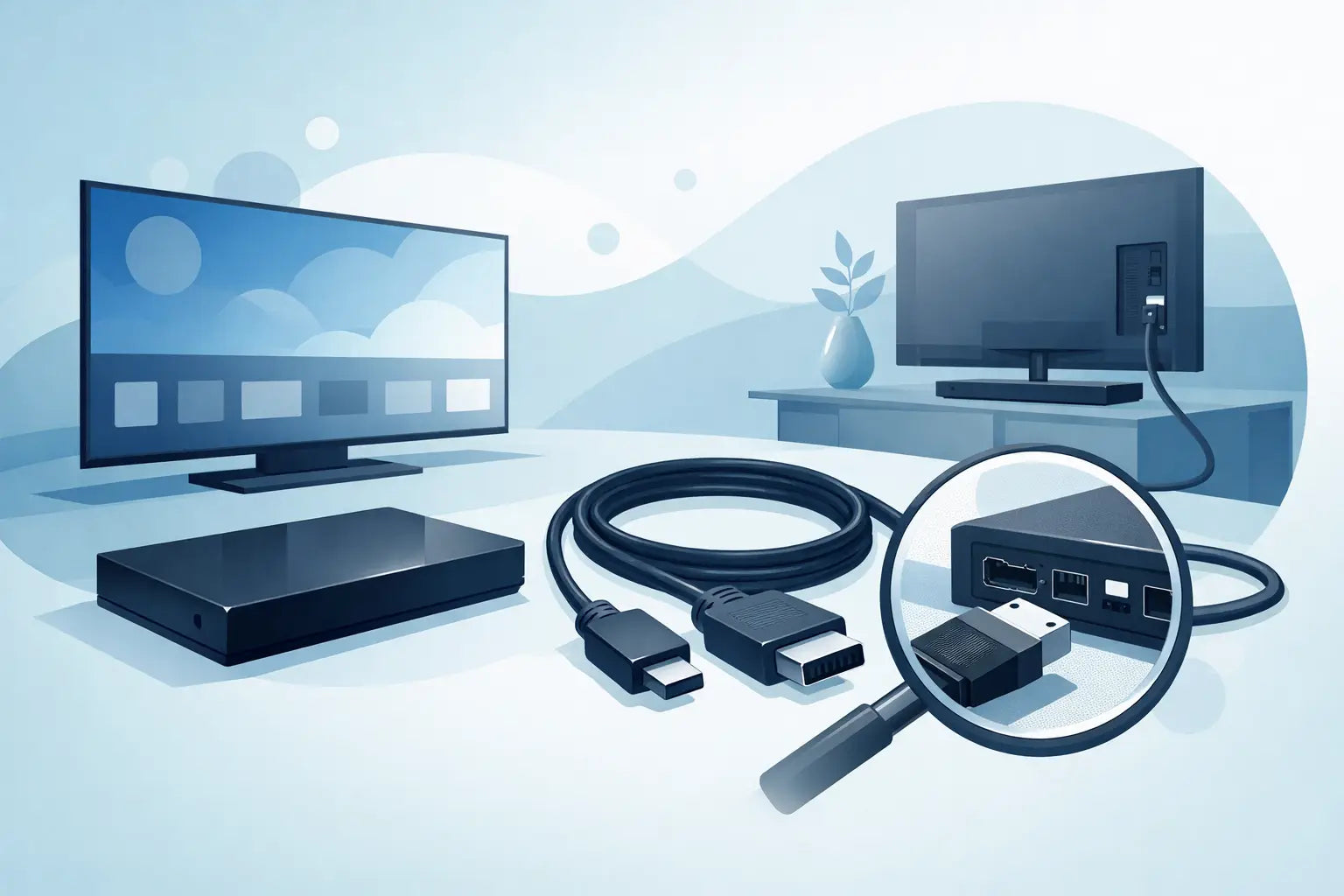
A TV that powers on but shows no picture, cuts out without warning or refuses to recognise the One Connect Box often points to one part first - the Samsung One Connect cable. Because this cable carries critical signals between the TV and the external box, even a small fault can cause big problems. The good news is that in many cases, replacing the cable is far cheaper and quicker than replacing the television.
What the Samsung One Connect cable actually does
On compatible Samsung TVs, the One Connect system separates the main connections from the screen itself. Instead of plugging HDMI devices, aerial leads and other inputs straight into the back of the TV, they connect to the One Connect Box. The box then links to the television through a single dedicated cable.
That cable is not just a basic lead. Depending on the model, it can carry power, video, audio and control data between the box and the screen. That is why faults can show up in several ways. You might lose the picture but still have standby power. You might get intermittent signal dropouts. In some cases, the TV may not respond properly at all.
This design keeps installations tidier, especially for wall-mounted sets, but it also means the cable has to be the correct type for the exact TV series or model range. A cable that looks similar is not always compatible.
Common signs of a faulty Samsung One Connect cable
A damaged cable does not always fail completely. More often, it starts with occasional issues that become more frequent over time. If your TV works one day and then loses connection the next, the cable is worth checking before assuming the screen or box has failed.
Typical signs include picture loss, flickering, random black screens, connection errors between the TV and One Connect Box, or the need to reposition the cable before the set works again. Physical damage is another clear warning sign. Kinks, crushing, stretched sections or wear around the connectors can all affect performance.
Wall-mounted TVs are especially prone to this. If the cable has been bent too tightly behind a bracket or trapped during installation, internal damage can build up slowly. House moves, decorating work and furniture rearranging can also strain the lead without it being obvious at first.
Why model matching matters
This is where many buyers come unstuck. A Samsung One Connect cable is not one-size-fits-all. Samsung has used different cable versions across different TV generations, screen sizes and One Connect Box types. Two cables may look nearly identical but still not work correctly with your set.
The safest approach is to match by full TV model number and, where possible, the part number from the existing cable or the One Connect Box itself. The full model number is usually found on the label at the back of the TV. It may also appear in the settings menu if the television still powers on.
If the original cable is available, check it carefully for printed codes. If it is missing or too worn to read, the TV model remains the best starting point. Buying on appearance alone is risky, especially with Samsung parts where connector design and signal requirements can vary.
Before you replace the cable, rule out the simple faults
It makes sense to check the obvious before ordering a new part. First, turn the TV off at the mains and reseat both ends of the cable firmly. A loose connection can mimic a cable failure. Then inspect the connectors for bent pins, dust or signs of overheating.
Next, check the One Connect Box itself. If available, try a different HDMI source and confirm that the box has power and is responding. If the TV displays an error specifically related to the box connection, that still may be the cable, but it helps narrow things down.
Also look at the cable route. If it has been sharply folded, pinched by furniture or pulled tight with no slack, damage is more likely. Even if the outer sleeve looks fine, the internal conductors may have been affected.
Can you repair a Samsung One Connect cable?
In most cases, no practical home repair is worth attempting. These are specialised cables, and a taped section or improvised join is unlikely to provide a stable result. Even if you got a temporary picture back, it may fail again without warning.
For households that rely on the main TV every day, a proper replacement is usually the sensible option. It saves time, avoids repeated troubleshooting and gives you a much better chance of restoring full performance.
There is also a safety point here. If your One Connect setup includes power delivery through the cable, using a damaged lead is not something to ignore. Replacing the faulty part is the safer route.
Choosing the right replacement Samsung One Connect cable
When buying a replacement, focus on compatibility first and price second. A cheaper cable that does not match your TV is not a saving. It just delays the fix.
Start with the full TV model number. Then look for any matching part code linked to the original cable or the compatible product listing. Good spare-parts suppliers make this easier by showing model references clearly, rather than leaving customers to guess from a product photo.
If you are unsure between two versions, do not assume they are interchangeable. Some Samsung assemblies differ by generation, connector format or supported features. Checking before purchase is always easier than returning the wrong part afterwards.
For many buyers, speed matters just as much as price. If the family TV is out of action, waiting around is frustrating. That is why choosing a UK supplier with clear compatibility information and fast dispatch can make a real difference.
New, used or compatible - what makes sense?
It depends on the model and how easy the original part is to source. A genuine replacement is often the first choice where available, particularly for newer or higher-value TVs. It gives the most confidence on fit and function.
Used original cables can also be a sensible option for older sets where new stock is limited. The key is buying from a specialist parts retailer that checks condition properly and lists compatibility clearly. With used parts, reassurance matters.
Compatible replacements can work well in the right circumstances, but only if they are sold specifically for the relevant Samsung model range. Generic claims should be treated carefully. With a part as model-sensitive as this, vague compatibility wording is not enough.
Installation tips that help the replacement last longer
Once you have the correct cable, fitting it properly helps avoid the same fault returning. Do not twist the cable sharply or force it through a gap that is too tight. Leave a little slack where possible, especially behind wall brackets or cabinets.
Make sure the connectors are seated straight and fully inserted. If the setup is wall-mounted, check that the bracket does not press directly onto the cable when the TV is back in place. A clean cable path with gentle bends is far better than trying to hide the lead by folding it too tightly.
If you are moving the TV or changing furniture, disconnect with care rather than pulling on the cable itself. A little caution here can add years to the life of the replacement part.
When the problem is not the cable
There are times when replacing the cable will not solve the issue. If the One Connect Box has failed internally, or if the TV panel or mainboard has a fault, the symptoms can overlap. That is the trade-off with this setup - while the cable is often the easiest fix, it is not the only possible cause.
A completely dead box, visible burning on connectors, or persistent errors after fitting a confirmed compatible replacement may point to a different fault. Even then, checking the cable first is still reasonable because it is a known failure point and often the most cost-effective part to replace.
Buying with confidence
For most households, the aim is simple: get the TV working again without spending more than necessary. That is where clear model matching, sensible pricing and fast delivery matter. If you can identify the exact part and order from a supplier used to handling brand-specific TV spares, the process becomes much easier.
Spares Direct Oldham focuses on practical replacements for everyday electronics, which is exactly what matters when you need a working fix rather than a technical headache. The right cable, matched correctly, can save the cost and hassle of replacing an otherwise good television.
If your TV has started losing signal, showing connection errors or behaving inconsistently, do not overlook the cable between the screen and the box. A careful model check now can get your setup back to normal a lot faster.