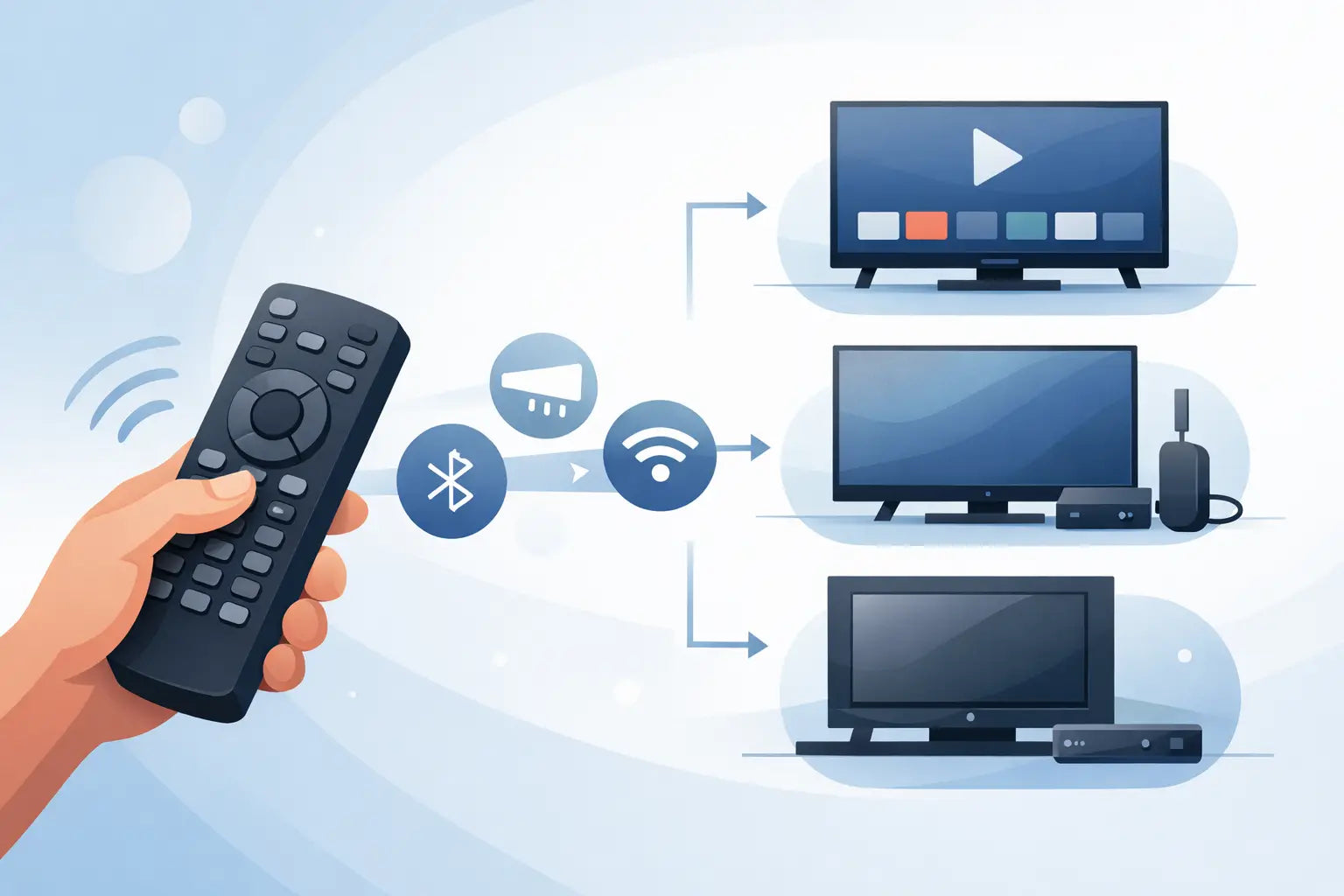
A remote stops working at the worst possible moment - when the volume is stuck high, the input will not change, or the only button that works is power. In most cases, the issue is not finding just any replacement. It is finding the right one, and that is where TV remote compatibility matters.
Buying the wrong handset wastes time and usually means another round of checking model numbers, brand names and product codes. The good news is that matching a remote is often simpler than it looks once you know what actually affects compatibility. For most households, the aim is straightforward: get a replacement that works properly, arrives quickly and does not cost more than it should.
What TV remote compatibility actually means
TV remote compatibility is simply the question of whether a remote can operate your television correctly. That includes basic functions such as power, volume and channel control, but also the buttons people use every day, like input selection, menu navigation, smart features and programme guides.
Two remotes can look nearly identical and still not be compatible. Equally, a replacement may look different from the original but work perfectly with the right television model. What matters is not just the brand on the front. It is the signal type, internal coding and the model range the remote was designed to support.
This is why checking by appearance alone is risky. A Samsung remote is not automatically suitable for every Samsung television, and the same applies to LG, Panasonic, Philips, JVC, Bush, Logik and other major brands. Some replacement handsets are model-specific, while others are built to cover a wider series.
Why brand matching is only the starting point
Most people begin with the TV brand, which makes sense. If you own a Panasonic television, you will naturally search for a Panasonic remote. That narrows things down, but it rarely finishes the job.
Manufacturers produce different model families over many years, and remote codes can change across those ranges. A remote supplied with an older set may not fully control a newer one, even when both carry the same brand name. Smart TV functions can be especially inconsistent across generations.
That is why the television model number is usually the best reference point. It gives a much clearer indication of which replacement remote is suitable. If a product listing states compatibility with your exact model or a matching range, you have far more confidence than if it merely names the brand.
Where to find the model number
On most televisions, the model number is printed on a label at the back or side of the set. It may also appear in the user manual or on the original box if you still have it. Some TVs show the model details in the on-screen settings menu, although that is not much help if the original remote has failed completely.
When checking the label, look for the full model code rather than a shortened version. Small differences in letters and numbers can matter. If two models look almost the same, do not assume they use the same handset unless the compatibility information confirms it.
Original, replacement and universal remotes
Not all replacement options work in the same way, and the right choice depends on what you need from the remote.
An original remote is the same handset supplied by the manufacturer, or an exact like-for-like version. This is usually the best option if you want every button in the same place and full access to all functions without any setup.
A compatible replacement remote is designed to work with specific TV models or ranges. It may not look identical to the original, but it is often pre-programmed and ready to use straight away. For many households, this is the most practical balance of cost, convenience and reliability.
A universal remote is broader in scope. It can often control multiple brands or devices, but setup may be required, and some functions may be limited depending on the television. Universal remotes can be useful when the original handset is unavailable, but they are not always the best choice if you want a quick, direct replacement with full button support.
When a universal remote makes sense
Universal remotes are often advertised as an easy answer, and sometimes they are. If you only need basic control for power, volume, channels and input selection, a universal model may do the job well enough.
They are also useful in spare rooms, student accommodation or households where simplicity matters more than having every smart feature on a dedicated button. If your original remote has been lost and your television is older, a universal option may be the fastest route back to basic use.
The trade-off is that setup can take time, and not every feature is guaranteed. Streaming shortcuts, guide buttons, voice control and advanced menu functions may be missing or mapped differently. That is why many buyers prefer a model-specific replacement if they want less trial and error.
Common reasons a remote seems incompatible
Sometimes the remote is correct, but something else is causing the problem. Before deciding a handset is incompatible, it is worth checking the simple faults first.
Flat batteries are the obvious starting point, but battery contacts can also corrode or loosen over time. If the remote has been dropped, internal damage may stop some buttons working even when others still respond. Dirt around the buttons can also make a remote appear faulty.
It is also possible that the television sensor is blocked or not responding properly. Decorative TV stands, soundbars and other items placed in front of the sensor can affect infrared remotes. In other cases, the issue is that a remote needs pairing or programming, particularly with certain smart or universal models.
If only a few functions fail while the main controls work, that can point to partial compatibility rather than a dead remote. This often happens when a replacement supports the core commands but not the full feature set of the television.
How to check TV remote compatibility before you buy
The safest approach is to match using the full television model number and read the compatibility details carefully. If a product description lists exact models, series references or replacement part numbers, that is a strong sign you are looking at the right handset.
It also helps to compare the essential buttons you use most. If you regularly use Netflix, input, guide, home or menu controls, make sure the replacement includes them. A remote can technically work with a TV while still being inconvenient in day-to-day use.
Product images are useful, but compatibility information matters more than appearance. Many buyers focus on whether the handset looks exactly like the original, when the better question is whether it is designed for the same code set and model family.
If you are replacing a remote for an older or less common television, choosing a specialist spares retailer can save a lot of guesswork. A broad stock range, clear model matching and quick dispatch are worth more than taking a chance on a vague listing.
Why model-specific replacements are often the safer choice
For most households, speed and certainty matter. You do not want to spend your evening entering setup codes or discovering that the one button you need does not work. That is why model-specific compatible remotes are often the better option.
They are usually supplied ready to use, with no complicated programming. They also reduce the risk of losing important features such as source selection, menu access or smart platform controls. If the listing clearly matches your television, the process becomes much more straightforward.
This is where a specialist supplier such as Spares Direct Oldham is useful. When a retailer focuses on replacement remotes for major brands and hard-to-find models, it is much easier to identify a suitable handset quickly and buy with confidence.
A practical way to avoid buying the wrong remote
If you are unsure, slow down for two minutes before ordering. Check the brand, confirm the full TV model number, and compare that against the stated compatibility on the product. If you are choosing between a universal remote and a model-specific replacement, think about whether you only need basic control or want the closest possible match to your original handset.
Most remote problems are solved quickly once the matching is done properly. A good replacement does not need to be complicated or expensive. It just needs to suit the television you already own, work as expected and get your screen back under control without any fuss.
That is really the point of TV remote compatibility - less guesswork, fewer returns and a faster fix for something you use every day.