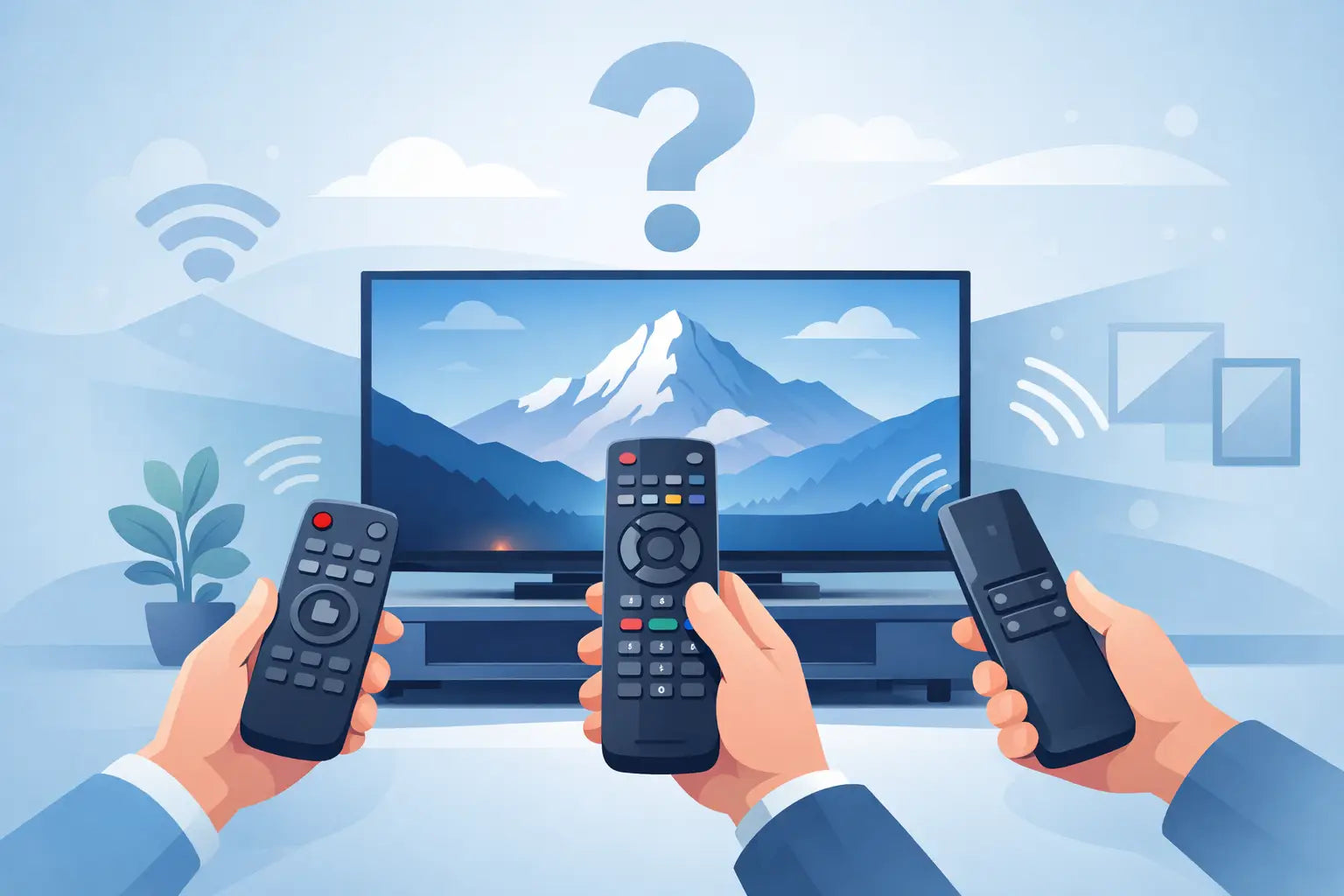
If your original handset has stopped working or vanished behind the sofa for good, the first question is usually simple - which remote works with Panasonic? The answer depends on whether you want an exact replacement, a compatible substitute, or a universal remote that can be programmed to handle basic functions.
For most households, the quickest and least frustrating option is a model-specific replacement remote made for Panasonic TVs. It removes the guesswork, avoids awkward setup, and gives you the buttons you actually use every day. Universal remotes can work, but they are not always the best fit if you want full access to menus, smart features, recording controls or dedicated app buttons.
Which remote works with Panasonic?
In practical terms, there are three main types of remote that can work with a Panasonic television.
The first is an original remote control. This is the same handset supplied with the TV when it was new, or an official equivalent with the same layout and functions. If you know the exact Panasonic remote part number, this is often the most straightforward match.
The second is a compatible replacement remote. These are designed to work with specific Panasonic TV models or a range of Panasonic sets. In many cases they operate straight away without programming. For everyday use, this is often the best balance of price, availability and convenience.
The third is a universal remote. These can be programmed using brand codes or auto-search functions and may control Panasonic TVs alongside other devices. They can be useful in some homes, but compatibility varies. A universal remote might cover power, volume and channel changes perfectly well while falling short on advanced menu navigation or smart TV shortcuts.
Why the TV model matters more than the brand alone
Many shoppers search by brand first, but Panasonic has produced a wide range of televisions over the years, from older plasma and LCD sets to newer LED and smart models. That means the right answer is rarely just any Panasonic remote.
Two Panasonic televisions from different years may use handsets with different button layouts, menu access or feature sets. Some remotes are cross-compatible within a product family, while others are much more specific. If your TV has built-in Freeview Play, streaming apps or recording functions, those extra controls matter.
That is why the TV model number is the safest starting point. Instead of asking only which remote works with Panasonic, it is better to ask which remote works with your Panasonic model. It saves time and cuts down the chance of ordering a remote that powers the TV on but does not properly control it.
Where to find your Panasonic model number
The model number is usually printed on a label on the back of the television. On some sets, it may also appear on the side panel or within the TV settings menu if the screen can still be operated manually.
Panasonic model numbers often begin with letters and numbers such as TX, followed by a series of characters that identify the screen size and range. Even one character difference can matter, so it is worth checking carefully before ordering.
If the original remote is still available but damaged, you may also find a remote part number inside the battery compartment or on the front or back casing. Matching either the TV model number or the remote number is usually enough to identify the correct replacement.
Original vs compatible replacement remotes
An original Panasonic remote is ideal if you want the exact same feel and layout as the one you had before. There is no relearning, and all labelled buttons should match your TV’s functions exactly. The downside is that genuine originals can be harder to source, especially for older models, and they may cost more than a good replacement.
A compatible replacement remote is often the practical choice. Good quality replacements are built to work with selected Panasonic models without any complicated setup. For households that simply want the TV working again quickly, this tends to be the better option.
The main thing is to buy a remote that clearly states the Panasonic models or original remote numbers it supports. A vague listing that just says suitable for Panasonic is not enough. Compatibility information should be specific, because that is what tells you whether the buttons and functions are likely to match properly.
Do universal remotes work with Panasonic TVs?
Yes, many do, but there is usually a trade-off. If your main goal is to turn the TV on, adjust the volume and switch channels, a universal remote may be perfectly adequate. It can also help if you want one handset for several devices.
However, universal remotes are less reliable when you need brand-specific functions. Smart platforms, guide buttons, input selection, recording controls and picture settings do not always map neatly across. Some require manual programming. Others use codes that work partially rather than fully.
For an older Panasonic television used mainly for standard viewing, a universal remote can be a decent low-cost fix. For newer smart sets or anyone who wants all the original functions close to hand, a model-specific replacement is usually the safer buy.
Signs you are buying the wrong remote
A common mistake is choosing by appearance alone. Two remotes can look nearly identical but use different button coding. A matching shape does not guarantee matching functions.
Another warning sign is a product description with no proper model list. If the seller does not show exactly which Panasonic TVs the remote supports, you are relying on guesswork. That is where returns, delays and wasted money tend to start.
It is also worth being cautious with very cheap universal handsets that promise to work with every television brand. Some do, to a point. But when a remote is too general, it often means basic operation rather than full compatibility.
What to check before ordering
Before you buy, check the full TV model number and compare it carefully against the compatibility list. If the listing uses original remote numbers instead, match the code from your old handset where possible.
Look at the button layout as well. You do not need every button to be in exactly the same place, but the functions you use most should be present. That includes Home, Menu, Guide, Input, Netflix or other app shortcuts if they matter to your household.
Battery type is another small detail worth checking. Most replacement remotes take standard AAA or AA batteries, but it is still useful to know before the remote arrives.
If speed matters, as it often does when the only TV in the house is out of action, choose a supplier that clearly shows stock and dispatch information. Fast delivery makes a real difference when you are replacing something used every day.
When a remote problem is not actually the remote
Before replacing the handset, it is worth ruling out a couple of simple issues. Flat batteries are the obvious one, but battery terminal corrosion can also stop a remote from working properly. If the remote has been dropped, the damage may be internal even if the casing looks fine.
There is also the chance that the TV sensor is the issue rather than the remote itself. If the power light reacts oddly, or the set will not respond to any handset, the fault may be with the television. In that case, even the correct replacement remote will not solve the problem.
A simple test is to use a mobile phone camera to check whether the remote’s infrared light flashes when you press a button. If it does, the remote is at least sending a signal. That does not guarantee full function, but it helps narrow things down.
The best option for most Panasonic owners
For most people, the best answer to which remote works with Panasonic is a compatible replacement remote matched to the exact TV model. It is usually cheaper than sourcing an original, easier than programming a universal, and far more likely to give you the functions you need without hassle.
That matters because a remote is not a luxury extra. It is the main way you use the television. If the replacement is wrong, even a working TV becomes inconvenient very quickly.
A specialist supplier such as Spares Direct Oldham makes that process easier by focusing on model compatibility rather than broad claims. When the listing clearly shows what the remote fits, you can order with more confidence and get the set back to normal sooner.
If you are unsure, start with the model number on the back of the TV rather than the brand name alone. That one detail usually tells you more than anything else, and it is the quickest route to finding a remote that simply works.