
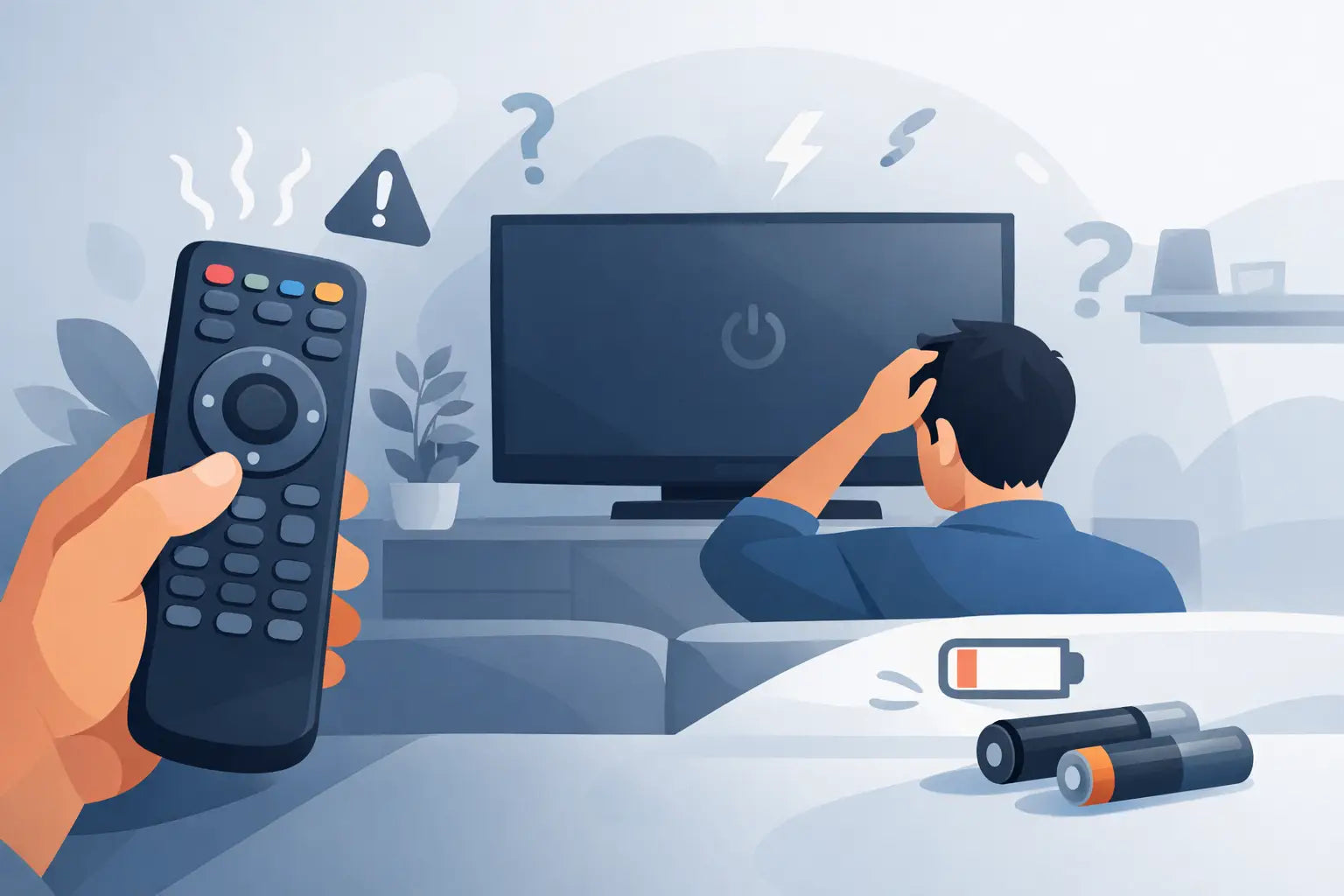
You sit down to watch telly, press the power button, and nothing happens. If you are asking, why is my TV remote unresponsive, the good news is that the problem is often simple. Flat batteries, a blocked signal, sticky buttons or a fault inside the remote are all common causes, and many can be checked in a few minutes.
Why is my TV remote unresponsive all of a sudden?
When a remote stops working without warning, it usually comes down to power, signal, pairing or wear. A remote control is a small device, but it relies on several things working properly at once. If one part fails, the whole remote can feel dead.
The first thing to notice is whether the problem affects every button or only a few. If no buttons work at all, batteries or internal failure are more likely. If only certain buttons are unresponsive, especially power, volume or channel keys, that often points to worn contact pads or dirt under the buttons.
It also helps to check whether the TV itself is responding normally. If the television turns on from the set’s own button but not from the remote, the issue is probably with the handset. If the TV is also acting oddly at the set itself, the fault may not be the remote at all.
Start with the obvious checks
It sounds basic, but batteries are still the most common reason a TV remote becomes unresponsive. Even if the batteries are not fully flat, weak power can cause patchy performance. You might find the remote only works at close range, only after repeated presses, or only on some buttons.
Remove the batteries and fit a fresh pair, making sure they are inserted the right way round. If the battery contacts look dull or slightly white, there may be corrosion. A light clean can help, but if corrosion is heavy, the remote may have suffered internal damage.
Next, make sure nothing is blocking the signal path between the remote and the TV. Decorative items, a soundbar, a game console or even standing too far off to one side can make a difference with infrared remotes. Most standard TV remotes need a reasonably clear line of sight.
It is also worth cleaning the front of the remote and the TV sensor area. Dust and greasy marks can reduce signal strength more than people expect.
Check whether the remote is sending a signal
If you want a quick test without special tools, use your mobile phone camera. Point the front of the remote at the camera, press a button and look at the screen. On many infrared remotes, you will see a flashing light through the camera even though it is invisible to the eye.
If you see the light, the remote is probably sending some signal. That does not always mean it is fully healthy, because a remote can still transmit weakly or have failed buttons. But it does suggest the issue may be with pairing, compatibility or the TV receiver.
If you do not see any flashing light at all, and you have already tried fresh batteries, the remote is more likely to be faulty internally.
This test is less useful for some Bluetooth or voice remotes, as they do not work in exactly the same way as standard infrared handsets.
Dirt and worn buttons are common culprits
A remote gets handled every day, dropped down sofa cushions, used during meals and left near heat sources. Over time, dust, grease and general wear build up inside. That is why certain buttons often stop responding before the whole remote fails.
If the volume, channel or navigation buttons need a hard press, the rubber membrane or contact pads may be worn. Sometimes the remote still works, but only if you press in a very specific spot. That usually means the handset is on borrowed time.
Spills are another frequent cause. Even a small splash of tea or condensation from a cold drink can leave residue inside the casing. The remote may seem fine at first, then become erratic days later once the residue starts affecting the contacts.
You can sometimes clean a remote if you are confident opening it, but it depends on the model. Some casings are straightforward, while others can be fiddly and easy to damage. For many households, especially if the remote is old or cracked, replacement is the quicker and more reliable option.
Pairing problems with smart TV remotes
If you have a smart TV, the remote may use Bluetooth, RF or a mix of wireless methods rather than basic infrared alone. In those cases, your TV remote unresponsive problem may not be a dead handset at all. The remote may simply have lost pairing with the television.
This can happen after a power cut, software update, factory reset or battery change. Some TVs will keep basic functions working but lose voice control or menu navigation. Others stop responding almost completely.
The exact repair step depends on the brand and model. Samsung, LG, Panasonic, Philips and other makes all use slightly different pairing methods. Usually, there is a button combination to reconnect the remote, but it needs to match the specific set.
If you still have the TV manual, check the pairing instructions there. If not, look at the model number on the TV label before buying any replacement so you can match it properly.
The TV sensor may be the real problem
Sometimes the remote gets the blame when the issue is actually the television’s receiver. If you have another compatible remote that also fails to control the set, the TV sensor is worth considering.
This is less common than battery or handset issues, but it does happen. A TV sensor fault may show up as delayed response, very poor range or no response at all from any infrared remote. If the television works from its own buttons or app but not from a standard remote, the sensor may need attention.
That said, most people do not have a second matching remote to test with. In practice, replacing the handset is often the easiest first step because it is cheaper, quicker and more convenient than arranging a TV repair.
When repair is worth it and when replacement makes more sense
There is a point where trying to rescue an old remote becomes more effort than it is worth. If the battery cover is loose, the buttons are worn shiny, the casing is cracked or the remote has already had one spill, replacement is usually the practical answer.
The main trade-off is cost versus certainty. Cleaning and testing costs little, but it takes time and may not solve the issue. A proper replacement remote gives you a faster route back to normal use, especially when matched to the exact TV model.
This matters if you use your television every day, share it with family or rely on easy access buttons. A universal remote can be useful, but it is not always the best fit. Some universal models cover basic controls well, while others can be awkward with smart features, streaming shortcuts or setup menus.
A model-specific compatible replacement is often the better option if you want the closest match to the original layout and functions.
Choosing the right replacement remote
Before ordering, check the television brand and model number. The model label is usually on the back of the TV or in the settings menu. This step saves time and reduces the chance of buying a remote that only partly works.
Look for compatibility information that is clear and specific. Brand name alone is not always enough, because different models within the same range can use different handsets. If your original remote number is still visible, that can help too.
For households that want a straightforward fix, a replacement that is ready to use with no complicated setup is usually the most convenient route. If your old remote had special smart functions, make sure the replacement supports them rather than assuming all remotes for that brand are identical.
Retailers such as Spares Direct Oldham focus on matching replacement remotes to major TV brands, which is useful when you need a quick answer without sorting through vague generic options.
A few final checks before you give up on it
If you are still deciding whether the remote is truly faulty, try one last round of basic checks. Fit new batteries, clean the battery contacts, test the infrared signal with a mobile phone camera, move closer to the TV and remove anything that might block the sensor. If the remote only works occasionally or only with heavy presses, you have probably found your answer.
Why is my TV remote unresponsive? In most cases, because it has either lost power, lost connection or simply worn out from regular use. The fix might be quick, but if it is not, replacing the remote is often the fastest way to get your TV working properly again without spending more than you need to.
A reliable remote should work first time, not after ten presses and a bit of luck.