
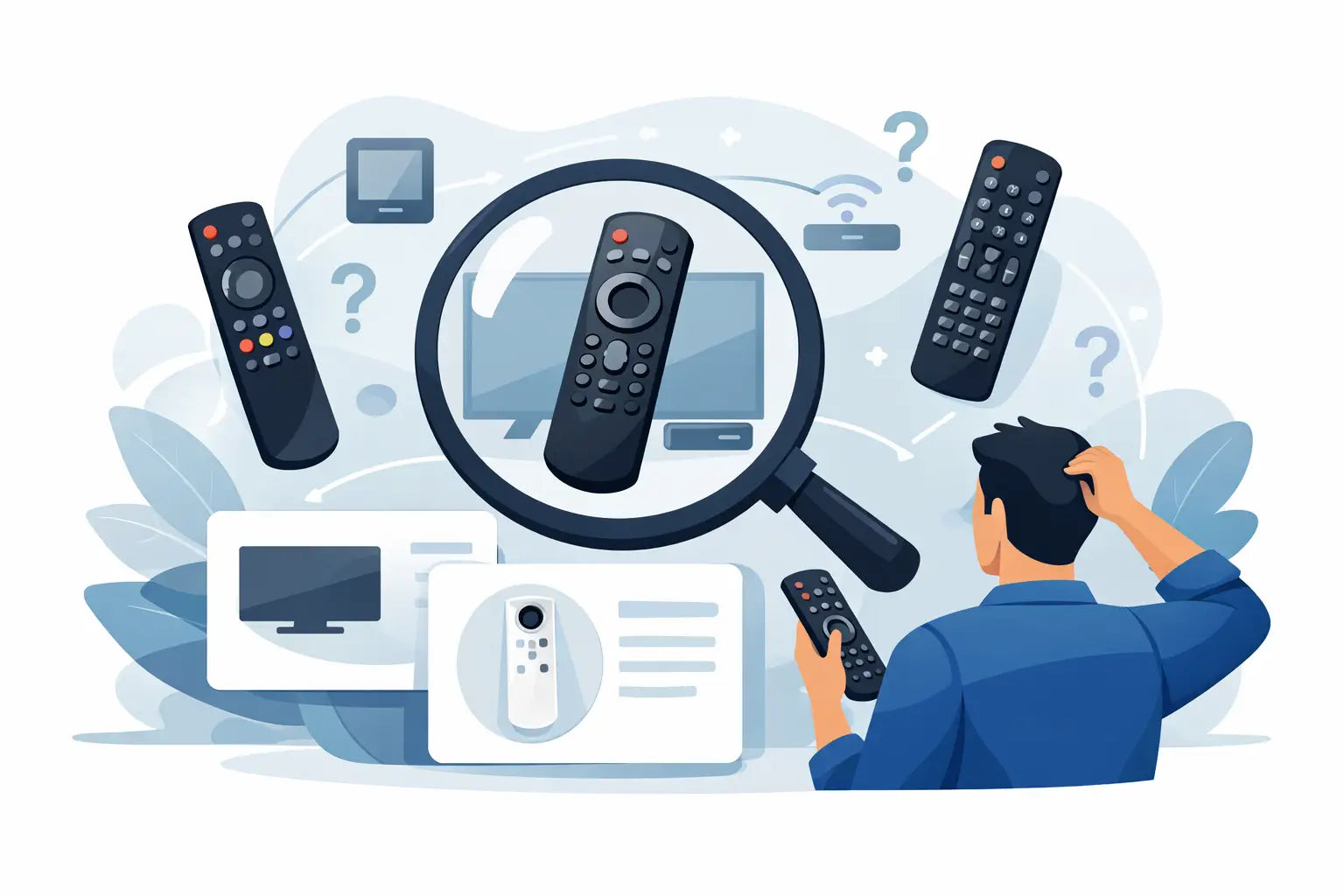
A missing or faulty TV remote can turn a simple evening in into a frustrating hunt through drawers, cushions and old boxes. If you need to find the correct remote for my model, the fastest route is usually not guessing by appearance. It is checking the model number on your television or existing remote, then matching it with a replacement made for that equipment.
The good news is that most replacement remote searches are straightforward once you know where to look. Whether the buttons have stopped responding, the remote has been damaged, or it has simply disappeared, a compatible replacement can get your TV working again without the expense of replacing the set.
Start with the TV model number
Your TV model number is the most useful piece of information when choosing a remote. It identifies the exact television range and helps separate similar-looking models that may use different button layouts or functions.
On most TVs, the model number is printed on a label on the back of the set. It may also be found on the side, underneath the screen, inside the battery compartment of the original remote, or in the television's settings menu. Look for a combination of letters and numbers rather than the brand name alone. For example, a Samsung, LG, Panasonic, Philips, JVC, Bush or Logik television may have several ranges that each require a different remote.
Write the full model number down carefully. Small differences matter. A single extra letter can indicate a different screen size, year of manufacture or feature set. If the label is faded, use your mobile phone torch and take a clear photograph rather than relying on memory.
Check the original remote if you still have it
If the original remote is still available, turn it over and inspect the rear casing or battery cover. Many remotes carry their own part number, often beginning with letters followed by several digits. This can be even quicker to match than the TV model number.
A remote part number is particularly helpful if the television label is difficult to reach because it is wall-mounted. It also helps where one remote works across several models in the same brand range. Match the remote number exactly where possible, then check the listed compatibility before ordering.
Why brand matching alone is not enough
It is tempting to search for a "Samsung remote" or "LG remote" and choose the first one that looks familiar. That can work for a basic replacement, but it is not always the best option. The same manufacturer can use several remote types across different generations of televisions.
A remote may switch the TV on and adjust the volume, yet still lack buttons for source selection, settings, smart TV menus, subtitles, recordings or picture modes. This is especially common with modern smart televisions, where dedicated streaming buttons, voice control and menu shortcuts vary between models.
For a straightforward television used mainly for Freeview channels, a compatible replacement with the essential buttons may be all you need. If you use catch-up services, apps, recording functions or a connected sound system, choose a remote that closely follows the original button layout. It makes daily use easier for everyone in the household.
How to find the correct remote for your model
When comparing replacement remotes, focus on compatibility wording rather than the product photograph alone. A listing should clearly identify the brand, remote part number or TV model range it is designed to work with.
First, search using your exact TV model number. If that does not produce a result, search using the remote part number. Then compare the key controls on the replacement against your existing remote or a photograph of it. Pay close attention to the navigation ring, Home button, input button, guide, menu, channel controls and any coloured red, green, yellow and blue buttons.
Do not worry if the replacement has a slightly different logo position, casing shape or button colour. These cosmetic details can vary. What matters is that the remote is stated to be compatible with your television and includes the functions you rely on.
If your TV is older, it is worth checking the model number especially carefully. Older remotes can be harder to identify, but model-specific replacements are often still available. Replacing the remote is usually far more economical than changing a television that otherwise works perfectly well.
Original, compatible and universal remotes
There are three main types of replacement remote, and the right choice depends on your TV and how you use it.
An original remote is the closest match to the one supplied with the television. It normally has the same layout and features, which is useful if you want no adjustment period. However, original parts can be less readily available for discontinued models and may cost more.
A compatible replacement is designed to operate specific brands or model ranges. It is often the practical choice for households that need a dependable, affordable remote quickly. Many compatible remotes work straight from the box with no codes or set-up required, but always check the product description for confirmation.
A universal remote is designed to work across different brands after programming. It can be useful if several devices need controlling, such as a TV, DVD player or set-top box. The trade-off is that programming may be required, and some specialist functions may not be available. For a single television, a model-specific or compatible remote is generally the simpler option.
Check whether set-up is required
Before buying, check whether the remote is described as ready to use, pre-programmed, or requiring codes. A direct replacement for a specific TV model will often work as soon as fresh batteries are fitted. That is ideal when you need to get the television back on quickly.
Universal remotes usually need a short set-up process. This may involve entering a manufacturer code, following an automatic search sequence or using a brand button. It is not difficult, but it can take a little longer and may be less suitable if the replacement is for someone who prefers familiar, simple controls.
Bluetooth and voice-enabled remotes are a separate case. Some smart TV remotes need pairing before features such as voice search will work. Basic infrared functions may still operate without pairing, but check the television manual or product information if your original remote had a microphone button or used Bluetooth.
Avoid the common matching mistakes
The most common mistake is ordering by brand only. The second is using a partial model number and missing the final letters or digits. Both can lead to a remote that looks right but does not provide all the controls you expect.
Another issue is confusing the TV remote with the remote for a separate device. If you watch television through Sky, Virgin Media, Freesat, Freeview, a DVD player or a soundbar, make sure you are replacing the correct handset. A set-top box remote may turn the TV on but control channels through the box, while the TV remote handles settings and inputs.
Also check the batteries before assuming the remote has failed. Fit a new pair of the correct batteries, ensuring they are inserted in the right direction. Clean any visible battery corrosion carefully and check that the battery contacts are not bent. If the remote has been dropped or exposed to liquid, replacement is often more reliable than attempting a repair.
A quick mobile phone camera test can help with infrared remotes. Point the front of the remote at your mobile phone camera and press a button. On many mobile phone cameras, you will see a flashing light on the screen if the remote is sending a signal. No visible flash may suggest the remote itself is faulty, although this test does not apply to every mobile phone camera or Bluetooth remote.
Make the replacement easy to use
Once you have found a compatible remote, choose one with a clear button layout and the controls your household uses most. Large, well-spaced buttons can be particularly useful for older users or for a second TV in a bedroom, kitchen or spare room. Keep the model number noted somewhere safe once the replacement arrives. It saves time if you ever need another remote or a related spare part.
For everyday TV problems, the right replacement should be uncomplicated: match the model, check the functions, fit fresh batteries and get back to watching. Spares Direct Oldham helps make that search simpler by stocking replacements for many popular TV brands and model ranges, so a lost remote does not have to mean a television out of action for long.