
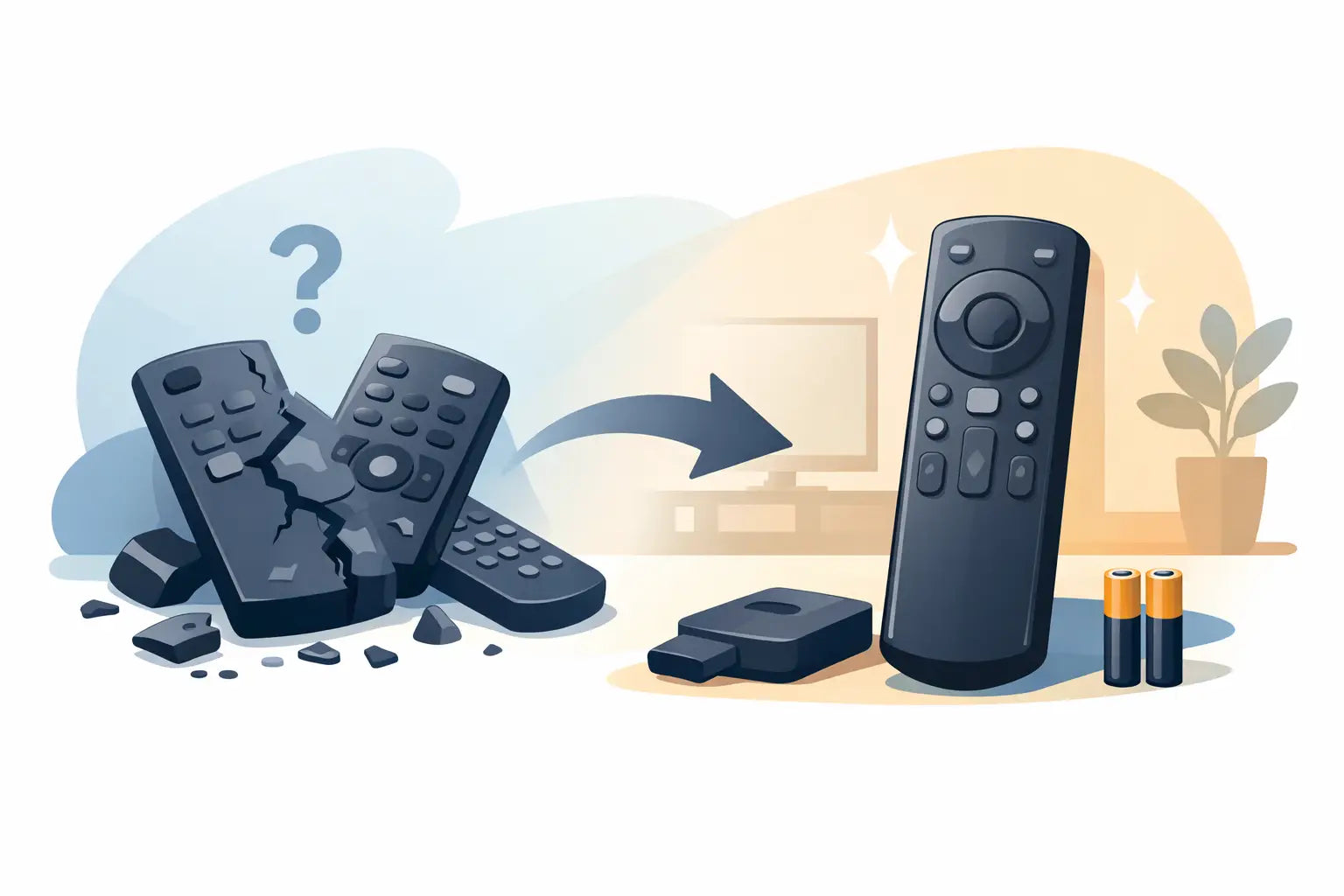
A remote control usually fails at the most inconvenient moment: just as the television is stuck on the wrong input, the volume is too loud, or a favourite programme is about to start. This guide to replacing broken remote controls explains how to check whether the remote is truly at fault, identify the correct replacement and avoid paying for a remote that will not work with your TV.
For most households, replacing a remote is quicker and far less expensive than replacing a perfectly good television. The key is matching the replacement to the right brand and, where possible, the exact model.
Check whether the remote is actually broken
Before ordering a replacement, rule out the simple faults. Start with fresh batteries, checking that they are fitted the correct way round and that the battery contacts are clean. A little corrosion on the metal contacts can prevent power reaching the remote, even with new batteries installed.
Next, look at the front of the remote. The small clear or dark plastic window houses the infrared transmitter. If it is badly cracked, covered in dirt or has come loose, the signal may not reach the TV. Give the remote a gentle clean with a dry, soft cloth, especially around buttons that feel sticky or fail to spring back.
A mobile phone camera can provide a useful quick test. Open the camera app, point the front of the remote towards the lens and press a button. Most mobile phone cameras show the infrared signal as a flashing pale light on screen. If you can see a flash, the remote is sending a signal and the issue may be with the TV sensor, settings or a blocked line of sight. If there is no flash after fitting fresh batteries, a replacement is usually the sensible option.
Do not overlook accidental damage. Remotes commonly fail after being dropped, knocked off an armchair, exposed to a drink spill or chewed by a pet. If several buttons have stopped responding, the casing is split or the battery compartment is damaged, repair is rarely worth the time for a standard TV remote.
Find the TV model number before you buy
The safest route is a model-specific replacement. Your TV brand alone is helpful, but it is not always enough. Samsung, LG, Panasonic, Philips, JVC, Bush, Logik and other major brands have produced many remote layouts and signal codes over the years. Two televisions from the same manufacturer can use different remotes.
Look for the model number on the label at the back or side of the television. It is normally a mixture of letters and numbers, such as a series name followed by screen size or production code. You may need a torch to read it, particularly if the set is wall-mounted. The original instruction manual, box or receipt may also show the model number.
Write down the full number exactly as printed. A single extra letter can refer to a different version of the TV. When comparing replacements, check both the compatible model list and the product image. The button layout should make sense for the functions you use, including Smart TV, source, guide, menu and streaming service buttons where relevant.
If the original remote is still available, check its own part number as well. This is often printed inside the battery compartment or on the rear label. Searching by original remote part number can be particularly useful when the TV model label is worn or hard to access.
Guide to replacing broken remote controls: choose the right type
There are three main replacement options, and the best choice depends on the television, the functions you need and how much certainty you want before ordering.
Original-equipment replacements
An original-equipment remote is made for a specific manufacturer and is the closest match to the unit supplied with the TV. It usually has the same button positions, symbols and functions. This is a good option where familiarity matters, such as for an older family member who does not want to learn a different layout.
Original remotes can be harder to source for discontinued sets and may cost more than a compatible alternative. However, they offer the strongest confidence for specialist functions, including 3D controls on older models, recording features and certain Smart TV shortcuts.
Compatible replacement remotes
A compatible remote is designed to operate one model or a group of models from the same brand. Many are ready to use straight from the packet, with no codes or programming required. For a household that needs the television working again quickly, this is often the most practical choice.
A good compatible replacement should clearly state the brands, model ranges or original remote numbers it supports. It may not look identical to the original, but the essential controls should be present. Check that it includes any feature your household uses regularly, such as Freeview controls, subtitles, apps, recordings or input selection.
Universal remotes
Universal remotes can control televisions from different manufacturers and, in some cases, other equipment such as soundbars, DVD players and set-top boxes. They are useful when several devices need controlling from one handset or when an exact replacement is unavailable.
The trade-off is setup. Some universal remotes require a code to be entered, while others search for a suitable code automatically. Certain advanced functions may also be missing or placed under less obvious buttons. A universal remote is flexible, but it is not always the simplest answer for a single TV.
Match the functions that matter in your home
A remote can be technically compatible but still be frustrating if it lacks the buttons you rely on. Before buying, think about how the television is used day to day. If you switch between a games console, satellite box and aerial channels, make sure the replacement has a clear Source or Input button. If you use catch-up television and streaming services, check for Home, Smart Hub, app or navigation controls.
For viewers who use subtitles, audio description or a TV guide, those dedicated buttons can make a real difference. Likewise, a remote for a television with built-in recording functions should include the required record, play, pause and programme controls. Pictures are useful here, but compatibility information should always take priority over a similar-looking layout.
It is also worth considering button size and contrast. Large, clearly marked buttons can be easier to use in low light or for anyone with reduced dexterity. A cheaper option is not always better if it makes normal viewing awkward.
Set up the replacement and test it properly
When the replacement arrives, fit new batteries rather than reusing uncertain ones from the old remote. Remove any protective battery tab if supplied, then point the remote directly at the TV and test the power button first.
With a model-specific or pre-programmed compatible remote, volume, channel and menu controls should work immediately. Test more than one button before putting the packaging aside. Try power, volume, channels, mute, source, guide and the home menu. This confirms that the remote is suitable for everyday use, not just basic switching on and off.
For a universal remote, follow the supplied setup method carefully. Keep the television switched on while programming and have the brand name ready. If the first code only operates some functions, try the next listed code for that brand. It can take a few attempts to find the code that gives the best result.
Common problems after fitting a new remote
If a new remote does not work, do not assume it is faulty straight away. Check the batteries and make sure there is nothing blocking the TV's infrared receiver. A soundbar, ornament or TV frame can sometimes sit directly in front of the sensor.
If only the power button works, or the volume controls affect the wrong device, the remote may need programming or the TV may be set up with external equipment taking control. Try operating the TV from close range and restart the television at the mains for a minute if it is unresponsive.
Smart televisions can occasionally appear frozen after a software update or power interruption. In that case, use the physical button or joystick on the TV itself to confirm the set is responding. If the TV works from its own controls but not from a verified compatible remote, check the model number again before ordering another handset.
A replacement remote is often the quickest fix
A broken remote does not need to leave a working television unused or force you into replacing the whole set. Take a moment to confirm the fault, identify the model number and choose a replacement that supports the functions your household actually uses.
For brand-specific and compatible options, Spares Direct Oldham helps make that search more straightforward, including replacements for many popular TV brands. The right remote should feel like a small, practical fix: fit the batteries, press power and get back to watching without unnecessary disruption.