
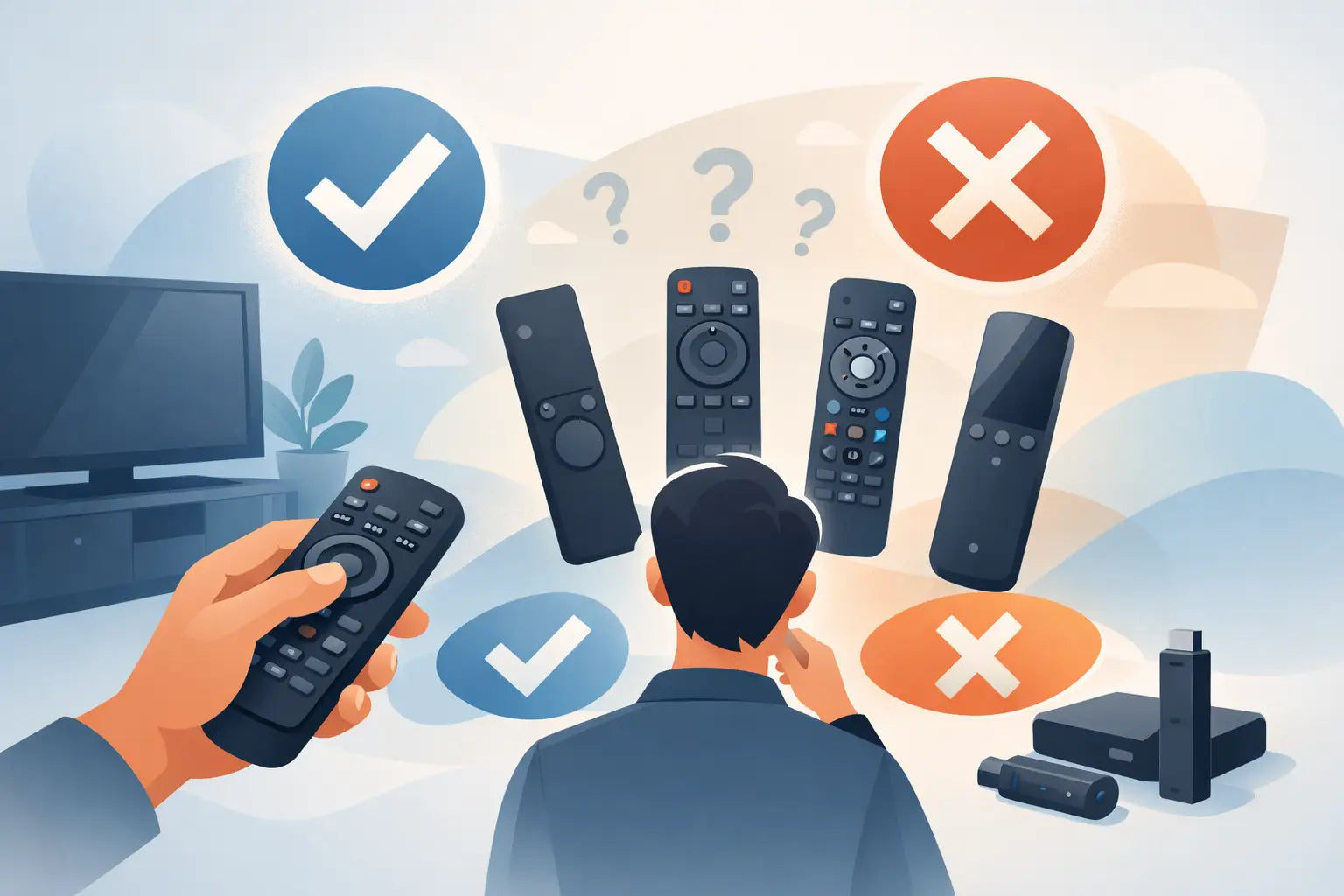
You usually realise you need a replacement remote at the worst possible moment - when the batteries have leaked, the dog has chewed it, or the original has simply vanished between the sofa cushions. If you are wondering how to choose compatible TV remote options without wasting money on the wrong part, the good news is that it is usually much simpler than it first appears.
The key is not to shop by appearance alone. Two remotes can look almost identical and still work very differently. The right choice comes down to matching the correct TV brand, checking the model number properly, and understanding whether you need an original-style replacement, a compatible replacement, or a universal remote.
How to choose compatible TV remote options without guessing
Most buying mistakes happen because people search using only the TV brand. Brand matters, but it is only the starting point. A Samsung remote will not necessarily work with every Samsung television, and the same applies to LG, Panasonic, Philips, JVC, Bush, Logik and other major brands.
The safest approach is to begin with the model number of the TV itself. This is normally found on a label on the back or side of the television. In some cases, it may also be shown in the original manual or on an old receipt. Once you have that number, you can compare it against the compatibility information for the remote you are considering.
If you still have the old remote, check for a remote model code inside the battery cover or on the rear casing. That can be useful, but the TV model number is usually the better reference point because compatible replacements are commonly listed against the television model rather than the remote casing number.
Start with the TV model number, not the remote shape
It is tempting to pick the one that looks right. That works sometimes, but not often enough to rely on. Manufacturers regularly use similar button layouts across different ranges, and many replacement remotes are designed to resemble several originals.
A proper match should be based on the TV model number first, then the brand, then the button functions you need. If your television is used every day by the whole household, it is worth checking that the replacement includes the common buttons you use most often, such as volume, channel selection, input source, menu, smart functions and guide controls.
This matters even more with newer smart TVs. Some replacements will cover basic controls perfectly but may not include dedicated buttons for streaming services, home screens or voice features. That does not always mean the remote is wrong. It may still operate the television well for everyday use. The question is whether those missing shortcuts matter to you.
Where to find the model number
On most TVs, the model label is a sticker on the back panel. If the set is wall-mounted, this can be awkward, so it helps to take a photo with your mobile phone rather than trying to copy the number from memory. One missed letter or digit can lead you to the wrong replacement.
Model numbers can also include hyphens, suffixes and screen-size references. These details matter. A remote compatible with one variation in a product range may not suit another, even when the front of the television looks the same.
Why exact matching matters
Remote compatibility is not just about turning the TV on and off. You want the correct signal coding for menu navigation, source switching, settings access and day-to-day reliability. A poor match can leave you with some buttons working and others doing nothing, which is frustrating and usually means buying twice.
Original replacement, compatible replacement or universal remote?
This is where many shoppers pause, and rightly so. Each option has its place.
An original replacement remote is designed to match the original specification as closely as possible. This is often the best option if you want the same layout and function set you already know. It is especially useful for older users or family households where nobody wants to relearn the controls.
A compatible replacement remote is made to work with specific TV models or ranges, even if it is not branded as the exact original. In many cases, this is the most practical and cost-effective choice. A good compatible remote should operate straight away or with minimal setup, while covering the main functions that matter for normal viewing.
A universal remote can be useful if you want one handset for several devices, but it is not always the quickest route if your main aim is simply to replace a missing TV remote. Universal models may require setup codes, pairing steps or extra programming. That is fine if you do not mind the setup, but less ideal if you want something simple and immediate.
For most households, model-specific compatible replacements offer the best balance of price, convenience and ease of use.
Check setup requirements before you buy
One of the most important parts of how to choose compatible TV remote products is understanding whether the remote is ready to use out of the packet or whether it needs programming.
Many replacement remotes for major TV brands are pre-programmed for listed models. That means you insert batteries and start using it. For most people, this is the preferred option.
Some remotes need a code entered manually. Others may need pairing with the TV, especially if the original remote had Bluetooth, voice control or smart pointer functions. Infrared replacements are often straightforward, but advanced smart features can be different.
This is not necessarily a deal-breaker. It just means you should buy with clear expectations. If all you need is dependable control over the television, a standard compatible remote is often enough. If you rely on voice search or cursor control, check that those features are specifically supported.
Look at the buttons you actually use
Not every household uses a remote in the same way. Some people only need power, volume and channels. Others use guide menus, apps, subtitles, inputs and recording functions every day.
Before buying, think about how the TV is used in your home. If it is a main family set, app shortcuts and source buttons may matter. If it is a spare bedroom television, basic controls might be perfectly fine. If an older relative uses it, familiar layout and clear button labels may be more important than extra smart features.
This is one of those areas where cheaper is not always better. A very low-cost option can still be the right buy, but only if it covers the functions you need. If it saves a few pounds but leaves you unable to access settings or switch HDMI inputs, it is not really a saving.
Brand compatibility is useful, but model compatibility is better
You will often see remotes described by brand first because that helps narrow the search quickly. That is useful, particularly for common makes such as LG, Samsung, Panasonic, Philips, Bush, JVC and Logik. Still, the product should also list model compatibility clearly.
That is where specialist retailers are especially helpful. Instead of forcing you to guess, they present remotes against supported model numbers, making it much easier to buy confidently. For shoppers who want a quick fix without technical hassle, that clarity makes a real difference.
At Spares Direct Oldham, that practical model-matching approach is exactly what helps customers replace everyday parts quickly rather than replacing the whole device.
Common mistakes to avoid
The first mistake is buying by picture only. The second is assuming all remotes from one brand are interchangeable. The third is overlooking smart features, setup requirements or missing buttons.
Another common issue is not checking whether the TV itself is the problem. If the television does not respond to any remote, even with fresh batteries, there could be a fault with the TV sensor rather than the handset. If the old remote still lights up or appears to transmit but nothing happens on screen, it is worth considering that possibility before ordering.
Battery type is another small but useful check. Most remotes use standard AA or AAA batteries, but it is still worth confirming so you are ready to use the replacement as soon as it arrives.
How to buy with confidence
If you want to get it right first time, search using the TV brand and exact model number. Then read the compatibility details carefully, check whether the remote is original-style or compatible, and confirm whether it is pre-programmed or requires setup.
After that, compare the button layout to how you actually use the television. You do not need every button the original had, but you do need the ones that matter in your home. For most buyers, the best remote is not the fanciest one. It is the one that works properly, arrives quickly and gets the TV back to normal without any fuss.
A replacement remote should feel like a straightforward fix, not a gamble. Take an extra minute to match the model properly, and you are far more likely to end up with a remote that works first time and keeps the household running as it should.