
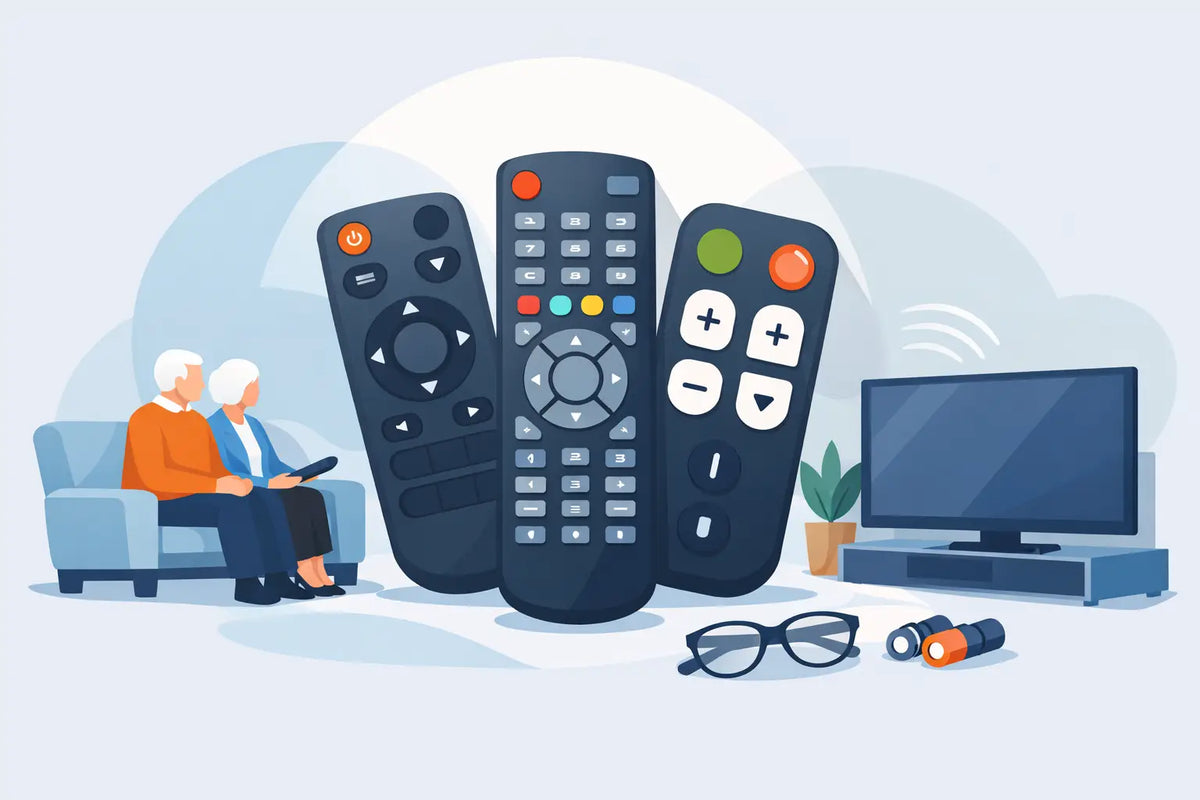
A remote control can become a daily frustration long before it stops working completely. Buttons wear smooth, labels fade, the battery cover goes missing, or a small button layout makes it easy to press the wrong thing. The best replacement remotes for seniors are not always the ones with the most features. They are the ones that make switching on the television, changing channels and adjusting volume feel straightforward again.
For many households, the right answer is a direct replacement for the original remote. For others, a large-button universal model is easier to use. The best choice depends on the TV brand, the functions used every day and whether anyone in the home relies on services such as Freeview, a set-top box or streaming apps.
Start with the TV, not the remote
Before choosing a replacement, check the television brand and model number. The model number is usually found on a label on the back or side of the TV, or in the original paperwork. This matters because two televisions from the same manufacturer can use different remote codes and button layouts.
A model-specific replacement is normally the simplest option. It is designed for a particular TV range and often works straight out of the packet once batteries are fitted. There is no code to enter and no pairing process to manage. That makes it particularly useful where the original remote was comfortable to use but has been lost, damaged or become unreliable.
Compatible replacement remotes can also be a practical choice. These are made to operate selected models from brands such as Panasonic, JVC, LG, Philips, Bush, Samsung and Logik. They often provide the core controls needed for everyday viewing at a more accessible price than a branded original. The key is to confirm the listed compatibility before ordering rather than assuming every remote for that brand will work.
What makes a remote easier for older users?
Large buttons are useful, but size alone does not make a remote easy to live with. A good senior-friendly design has a clear layout, sensible spacing and the controls people use most often placed where they can be found by touch.
Look for high-contrast markings. White lettering on dark buttons, or dark lettering on light buttons, is generally easier to read than faint grey symbols. Clearly labelled volume and channel buttons reduce guesswork, especially in low evening light. Raised shapes or distinct button sizes can also help someone tell the difference between volume, channels and the directional controls without looking closely.
The number of buttons matters too. A remote packed with app shortcuts, recording controls and settings keys may be useful for a keen TV user, but it can be confusing for somebody who only wants BBC One, ITV, the guide and volume control. A simpler layout reduces accidental button presses and makes it easier for another family member or carer to explain how it works.
Weight and grip should not be overlooked. Very slim remotes can be hard to pick up from an armchair, while a slightly thicker body with a textured back may be easier to hold. A strong battery cover is also worthwhile, particularly if the remote is likely to be dropped.
The best replacement remotes for seniors by situation
A like-for-like replacement for familiar controls
If the existing remote has been used for years and the user knows where every button is, a like-for-like or close compatible replacement is usually the best option. Familiarity is valuable. There is no need to learn a new layout, remember a new sequence or work out why a button has moved.
This is the right route when the television itself works well and the household uses features beyond basic channels, such as subtitles, the TV guide, source selection or recording functions. An exact-style replacement is more likely to retain access to those features.
A large-button universal remote for simple viewing
A universal remote with oversized buttons can suit a television used mainly for live channels and volume. These models are designed to control more than one brand, but they usually need setting up with a code or an automatic search process.
That setup is the trade-off. Once programmed correctly, a simple universal remote can be easier to operate day to day than a crowded original handset. However, it may not include every specialist button from the original remote, and some smart TV or menu functions may be limited. It is best for straightforward viewing rather than households that regularly use every feature of a modern TV.
A direct replacement when there is no original remote
When the original remote is completely missing, avoid choosing based on appearance alone. A similar-looking Samsung or LG remote may still be incompatible with the TV. Use the model number to identify a replacement or check whether a compatible remote specifically lists the television model.
If the model number cannot be found, the TV’s brand and approximate age can still help narrow down the options. Check the physical buttons on the TV too. These may allow the set to be switched on so that the remote type, menus or on-screen model details can be confirmed.
A replacement for smart TVs and streaming
Smart TVs need a little more care. Basic replacement remotes can usually handle power, channels, volume and navigation, but a streaming service may require a Home button, directional pad, Back button and Select or OK button. Voice control, dedicated app buttons and Bluetooth pairing may not transfer to a generic alternative.
For a senior who watches iPlayer, Netflix or other apps regularly, choose a remote that clearly supports the required smart functions. If the household uses a separate box, such as a Freeview recorder or satellite receiver, remember that the TV remote may not control that box at all. In that case, the right replacement could be for the set-top box rather than the television.
Check these details before ordering
A quick check can prevent the inconvenience of ordering a remote that is almost right but not quite. Confirm the TV make and model, then compare the important buttons on the old remote if it is available. Pay particular attention to power, volume, channel, input or source, guide, subtitles, menu, home and navigation keys.
Also check how the replacement is described. A remote listed as an original replacement is different from a compatible replacement, while a universal remote will usually need programming. None of these options is automatically better than the others. It depends on whether familiarity, simplicity or broad brand coverage is the priority.
Battery type is worth checking as well. Most remotes use standard AAA or AA batteries, which are easy to replace. Fit fresh batteries when the new remote arrives. Weak batteries can make a working remote appear faulty, with delayed responses or a reduced operating range.
Make the new remote easier to use from day one
Once the replacement is working, a few small changes can make a real difference. Keep it in one consistent place, such as a tray beside the chair or a holder attached to the side of a table. This avoids the familiar search down the back of the sofa.
If the buttons are difficult to see, small raised stickers can be placed on the power button, volume up or favourite channel button. Do not cover the infrared sensor at the front of the remote, and use only a light marker that will not stop a button moving properly.
It can also help to write down a short instruction card in large print. Keep it to the actions used most: switch on, change channels, adjust volume and return to normal TV if the wrong button is pressed. A simple reminder is often more useful than a long manual.
When the problem may not be the remote
If a new remote does not work, check the simple causes first. Make sure the batteries are inserted the correct way round, remove any protective battery tab and point the remote towards the TV’s sensor. Objects in front of the television can block the signal.
If the original remote is still available, a mobile phone camera can sometimes help check whether it is sending an infrared signal. Point the remote at the mobile phone camera lens and press a button. A flashing light may be visible on the mobile phone screen even though it cannot be seen with the naked eye. This is not suitable for every Bluetooth remote, but it can help identify a failed infrared handset.
A clear, compatible replacement can restore a familiar routine without the cost of changing a working television. At Spares Direct Oldham, checking the TV model before you order gives you the best chance of getting a remote that is ready to make everyday viewing simple again.