
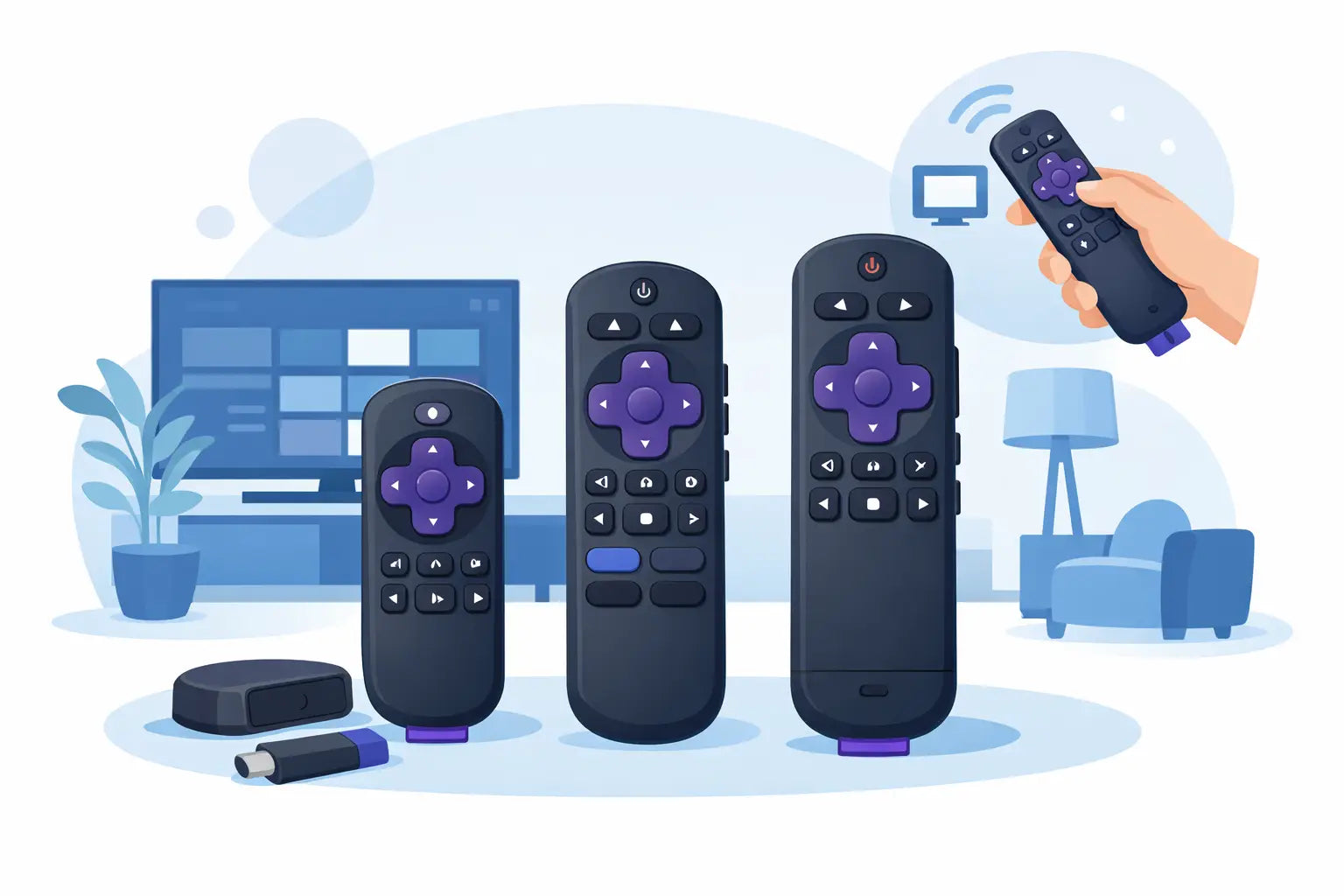
A missing or unreliable Roku TV remote can turn a simple evening in front of the television into a frustrating job. If buttons only work occasionally, the battery cover is broken, or the remote has disappeared between the sofa cushions for good, replacing it is usually quicker and far less expensive than changing the TV. The key is choosing a remote that is designed for your television, rather than ordering the first Roku-style handset you see.
Check What You Need Before Ordering a Roku TV Remote
The words “Roku remote” are often used for two different products. One is a remote for a Roku-powered television. The other is for a separate Roku streaming player, such as a stick or box connected to an existing TV. They can look similar, but they are not always interchangeable.
A remote for a Roku TV is intended to control the television itself and the Roku operating system built into it. A streaming-player remote is designed to control the Roku device connected by HDMI. It may turn the TV on and adjust volume in some setups, but it is not automatically a replacement for a Roku TV handset.
Start by checking whether Roku is built into your television. The Roku logo usually appears when the set starts up, and the home screen will show Roku’s familiar tiled menu. Then look for the TV brand and model number. This information is normally found on the label at the rear of the set, on the side panel, or in the original paperwork.
The model number matters more than the appearance of the old remote. Two handsets may have the same purple direction pad and shortcut buttons but use different signals, layouts or pairing methods. Matching by a clear product description and stated compatible model range gives you much more confidence than matching from a photograph alone.
Find the model number without moving the TV
If your television is wall-mounted, check the settings menu if the existing remote still works occasionally. The model can often be found under Settings, System or About. You may also have it on the original sales receipt, instruction booklet or product box. Taking a photo of the model label before ordering is useful, especially where a brand has several similar versions of the same Roku TV.
If the remote is completely lost and the TV is not connected to your home network, do not assume a phone app will solve the problem. Apps normally need the television and phone to be on the same network first. A physical replacement remote is often the straightforward answer.
Original, Compatible or Universal Remote?
There is no single best choice for every household. It depends on the features you use, the model of your TV and whether you want the closest possible replacement or a practical everyday alternative.
An original-style Roku TV remote is usually the simplest option when you want the button layout you already know. It is a good fit for households where several people use the TV, including children or older relatives who do not want to learn a new handset. The familiar Home, Back, directional and playback controls are where users expect them to be.
A compatible replacement remote is made to work with specified Roku TV models or ranges. It can be a cost-effective choice when the original is unavailable or no longer supplied. A well-matched compatible remote should cover the everyday functions that matter: power, volume, mute, navigation, inputs, settings and app controls. Check the listing carefully for the exact functionality included, particularly if your old remote had voice search, a headphone socket or programmable shortcut buttons.
Universal remotes can be helpful if you want one handset for a television, soundbar and other equipment. The trade-off is setup. Some need a code entered, while others require programming through a search process. They may also lack Roku-specific shortcut keys or make menu navigation less convenient. For a household that simply needs the Roku TV working again today, a model-specific replacement is usually the easier route.
Infrared and paired remotes are not the same
Many standard TV remotes use infrared, which means the handset needs a reasonably clear line of sight to the sensor on the front of the television. These are often simple to use: fit fresh batteries, point the remote at the TV and test it. No pairing screen or complicated programming should be necessary where the replacement is listed as direct-compatible.
Some enhanced remotes use wireless pairing and may support features such as voice control. These can work from different positions in the room, but may need to be paired to the television before every function is available. Pairing is not a fault - it is simply part of the setup. Follow the instructions supplied with the remote and keep the TV switched on during the process.
Do not buy a voice remote only for the sake of it. Voice search is useful if you regularly look for programmes by title or actor, but a standard remote is often more affordable and less complicated for normal channel, app and volume control.
Features Worth Checking on a Replacement
The most useful replacement is the one that supports how your household actually watches television. Before ordering, compare your old handset with the product description. Check whether it has dedicated buttons for the apps you use, whether it controls volume and power, and whether it includes a button for changing input when you use a games console, aerial or set-top box.
Also consider the physical condition of the old remote. If only one button has failed, it may be tempting to keep using it. However, sticky keys, split battery compartments and worn conductive pads often get worse. A replacement can prevent the repeated battery changes and unreliable responses that make a minor problem feel bigger than it is.
Battery type is another small but worthwhile check. Most remotes use common AAA or AA batteries, but confirm this before ordering so you can test the remote as soon as it arrives. Use new batteries from the same pack and make sure they are fitted in the correct direction. Mixing an old battery with a new one can cause weak or inconsistent performance.
How to Get Your Roku TV Remote Working Quickly
When the replacement arrives, remove the packaging, fit the batteries and test the basic controls first. Turn the television on, adjust the volume, move around the Roku home screen and open an app. This confirms the main functions before you settle down to watch something.
For an infrared remote, stand in front of the TV for the first test and aim it towards the lower front edge of the set. If nothing happens, check the battery contacts and remove any plastic battery tab. Make sure there is no soundbar, ornament or cabinet door blocking the TV’s infrared receiver.
For a paired remote, follow the supplied pairing steps. This commonly involves opening the battery compartment and holding a pairing button until an indicator light flashes. Keep the remote close to the TV while it connects. The exact method varies, so the instructions for that remote take priority over a general guide.
If a compatible remote controls some functions but not others, go back to the model number. It may be intended for a similar Roku device rather than your exact television range. This is why product compatibility information is so valuable when choosing a replacement.
Rule Out a TV Fault Before Replacing the Remote Again
Not every remote problem is caused by the remote. A television that does not respond may have a blocked sensor, a software issue or no power. Try switching the TV off at the mains for a minute, then turn it back on. Check that the front sensor area is clean and not covered by a soundbar or decorative item.
You can also test an infrared remote using a phone camera. Point the front of the remote at the camera, press a button and look at the phone screen. A working infrared emitter often appears as a flashing light on the display, even though it is not visible to the naked eye. This is not a test for every wireless or paired remote, but it can help identify a completely inactive infrared handset.
Where the original remote has been dropped, had a drink spilled on it or shows corrosion around the batteries, replacement is normally the sensible option. Cleaning may help with light dirt, but liquid damage can affect internal contacts long after the surface has dried.
A correctly matched remote restores the part of the television you use every day: simple control. At Spares Direct Oldham, checking the TV brand, full model number and required features before you buy keeps the process quick and helps you get back to watching with less guesswork.