
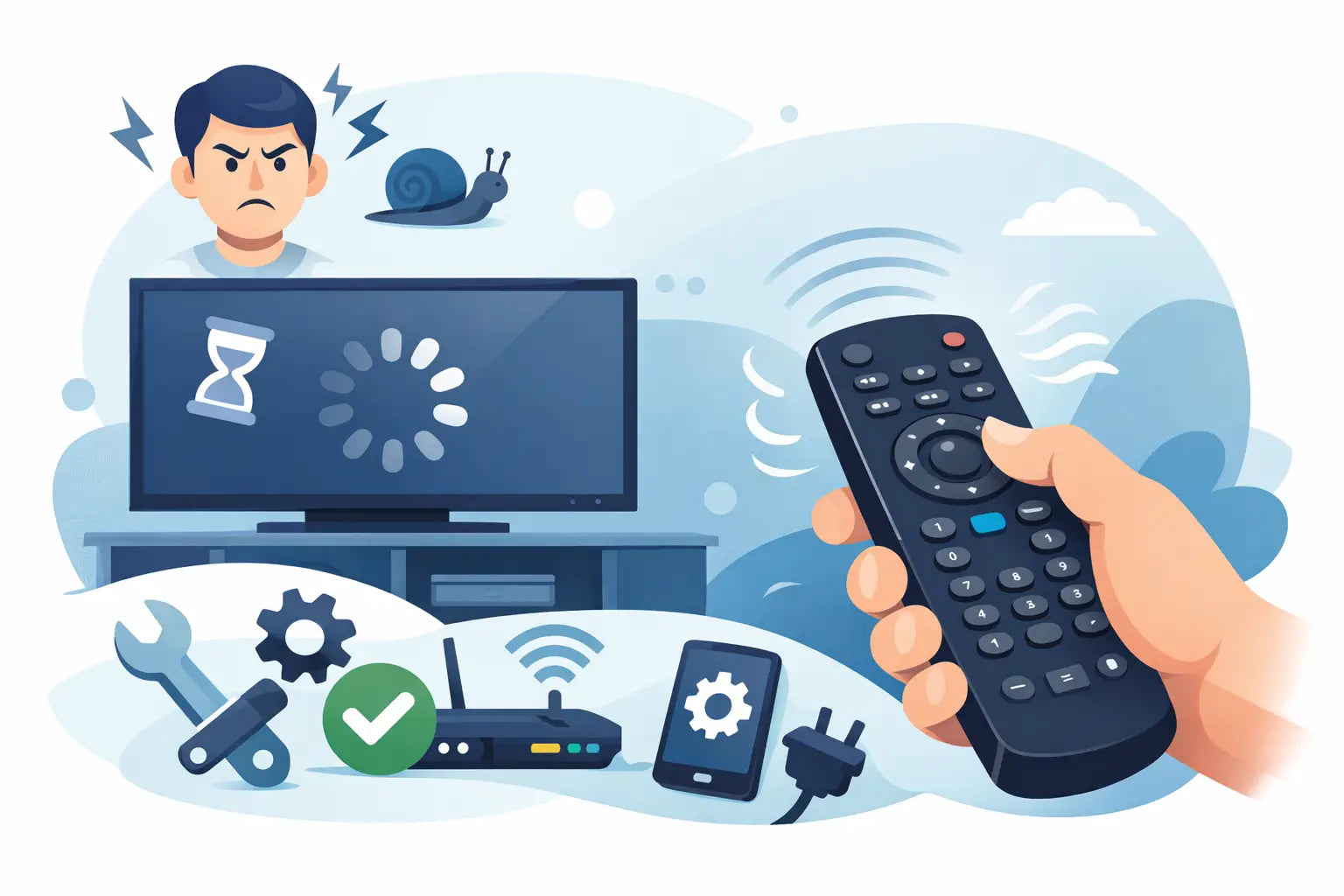
You press volume down once, nothing happens, then the television suddenly drops three levels. Or you have to point the handset precisely at the TV and wait for each button press to register. If you are asking, why does my TV remote lag, the cause is often straightforward: weak batteries, a blocked signal, worn buttons or a remote that is nearing the end of its working life.
The useful thing is that you can usually narrow it down without tools. Start with the simple checks, then work towards the remote or television itself. That avoids buying a replacement when a fresh pair of batteries would solve it - but also stops you putting up with an unreliable remote when replacement is the sensible option.
Why does my TV remote lag when I press a button?
Most standard TV remotes use infrared. Each press sends a quick pulse of invisible light to a sensor on the television. If that pulse is weak, interrupted or not received clearly, the TV may respond late, only sometimes, or not at all.
A delay can also feel like remote lag when the television is busy. Smart TVs sometimes take a moment to open an app, load programme information or process a command. In that case, the remote may be working correctly, but repeated presses build up a queue of commands. The result is the familiar delayed reaction where the TV catches up all at once.
The pattern matters. If every function is slow, look first at batteries, signal path and the TV itself. If only one or two buttons are unreliable, the button contacts inside the handset are more likely to be worn or dirty.
Start with batteries and the battery contacts
Low batteries are the most common reason for a slow or inconsistent infrared remote. A remote can still light up, or work at very close range, even when its batteries no longer have enough power to send a dependable signal across the room.
Replace both batteries with a new matching pair rather than mixing an old battery with a new one. Check that they are fitted in the correct direction and that the battery cover closes securely. If you use rechargeable batteries, try good-quality alkaline batteries as a test. Some rechargeables operate at a lower voltage and may not perform as well in every handset.
While the batteries are out, inspect the metal contacts in the compartment. White, green or rusty-looking residue can interrupt the connection. Remove loose residue carefully with a dry cotton bud. If there has been a battery leak, do not continue using damaged batteries, and consider replacing the remote if corrosion has reached the internal contacts.
After fitting new batteries, test the remote from a normal seating position. If its range and response improve immediately, you have found the problem.
Check the route between the remote and TV
Infrared remotes need a reasonably clear path to the sensor, usually found along the lower edge or front panel of the television. A soundbar, games console, set-top box, decorative item or even a cabinet door can partially block it.
Clean the front of the remote and the TV sensor area with a soft, dry cloth. Dust and fingerprints rarely stop a signal completely, but they can contribute when batteries are weak or the remote already has limited range. Avoid spraying cleaning fluid directly onto either item.
Bright sunlight can also interfere with infrared reception. If lag happens mainly during the day, close a blind or curtain temporarily and try again. Strong LED lighting and some reflective surfaces can have a similar effect, although this is less common. Move the remote closer to the TV and point it directly at the sensor. A clear improvement suggests a signal issue rather than a faulty button.
Test whether the remote is actually sending a signal
A mobile phone camera can provide a quick infrared check. Open the camera app, point the front of the remote towards the lens and press a button. On many mobile phone screens, the infrared LED appears as a flashing white or purple light.
If you see a flash when pressing a working button, the remote is transmitting. If there is no flash from any button after fitting fresh batteries, the handset may have an internal fault. Test several buttons, because a single faulty key does not necessarily mean the whole remote has failed.
This check is not perfect with every mobile phone camera, as some filters reduce what the camera can see. Still, it is a useful guide. If the remote clearly transmits but the TV remains slow, focus on the television sensor, interference or smart TV processing instead.
When only certain buttons lag or need a hard press
A volume, channel or navigation button that works only after repeated presses usually points to wear inside the remote. Over time, the conductive pad beneath a frequently used button can become dirty or less responsive. Crumbs, dust and a small spill can cause the same symptoms.
Try pressing around the edge of the affected key. If it responds only from one side, or feels different from the other buttons, the internal contact is likely worn. Gentle external cleaning may help if the problem is surface dirt, but avoid forcing liquid around the buttons. Opening a remote can be fiddly, may damage clips and is rarely worthwhile for a low-cost replacement handset.
A compatible replacement is often the quicker, more reliable route. It restores proper button response without the frustration of repeatedly pressing controls that should work first time.
Bluetooth and smart remotes can lag for different reasons
Not every television remote relies solely on infrared. Many newer smart TV handsets use Bluetooth or radio frequency for voice control, pointer functions or operation when the remote is not aimed directly at the screen. These remotes may need pairing with the television.
If a Bluetooth remote becomes slow, check its batteries first, then restart the TV by switching it off at the mains for around a minute before turning it back on. This clears many temporary software issues. Re-pairing the remote may also be required, but the exact method varies by TV brand and model. Use the instructions for your particular television rather than trying random button combinations.
Keep the remote away from other wireless devices while testing. Wireless headphones, streaming sticks and Wi-Fi equipment do not normally cause major trouble, but a crowded area can sometimes affect a weak Bluetooth connection. If the basic infrared functions work but voice or smart controls lag, the issue may be with pairing or the TV software rather than the remote hardware.
The television may be causing the delay
A remote is not always to blame. If menus, apps and on-screen guides are slow even when controlled from a different handset, the TV itself may be struggling. Older smart TVs can become sluggish as apps update and available storage fills up.
Restarting the television at the mains is a sensible first step. Also check whether it has a pending software update and whether the delay occurs in every input or only in a particular app. For example, a remote may seem slow while using a streaming service, yet respond normally when adjusting volume or changing a Freeview channel.
If the television reacts late to commands from both its original remote and a known-working replacement, replacing the handset is unlikely to cure the underlying issue. In that situation, look at the TV's settings, internet connection for app-related delays, or the performance of an attached set-top box.
Choosing the right replacement remote
When the remote has poor range, missing button responses, cracked casing or corrosion, a replacement is usually better value than a repair. The key point is compatibility. The brand name alone is helpful, but the television model number gives you the best chance of matching the correct functions and layout.
Find the model number on the label at the rear or side of the TV, or in its settings menu. It commonly includes a mixture of letters and numbers. Compare that number carefully with the replacement remote's compatibility details before ordering. A model-specific remote is often the simplest choice because the buttons and functions are designed around that television range.
Universal remotes can be useful when the original model is unavailable, especially for basic controls such as power, volume, channels and input selection. The trade-off is that they may require a code or set-up process, and specialist buttons may not match the original layout. For a quick household fix, a compatible replacement that works straight from the box is normally preferable.
Spares Direct Oldham stocks replacement TV remotes for major brands including Samsung, LG, Panasonic, Philips, JVC, Bush and Logik, making it easier to restore everyday control without replacing a working television.
Do not ignore a remote that is becoming unreliable
An occasional missed press can become a remote that stops working altogether, usually at the least convenient moment. Fresh batteries and a clear signal path are worth trying first. But if the same buttons repeatedly fail, the range has reduced or the remote only works when held at a particular angle, it is reasonable to replace it.
Getting the correct compatible remote now means you can get back to normal viewing without turning every channel change into a small argument with the television.