
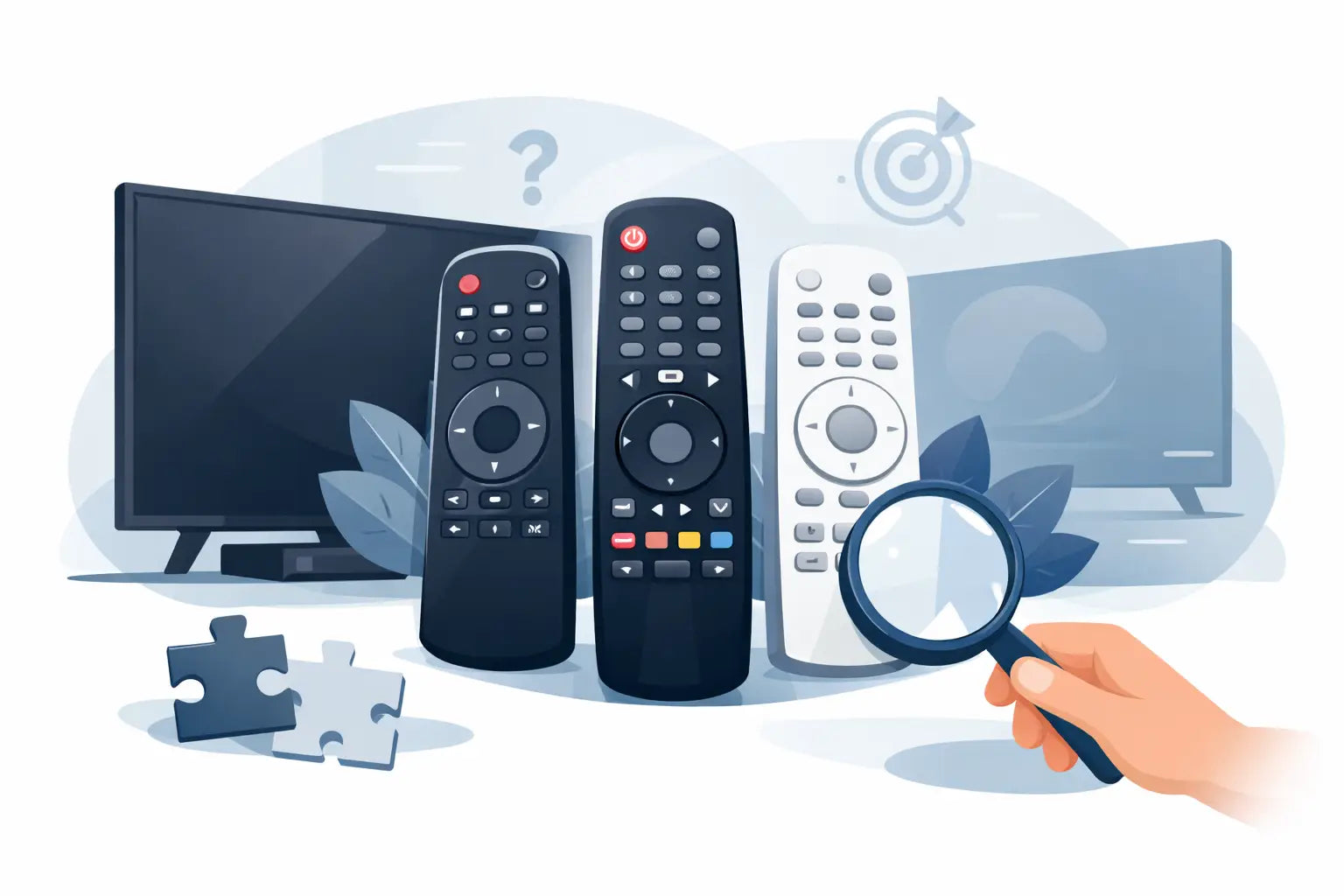
The television is working, but the remote has stopped responding, disappeared behind the sofa or lost buttons one by one. A replacement LG remote is usually a far more affordable answer than replacing a perfectly good TV. The key is choosing a control that suits your particular LG set, rather than buying the first remote that looks similar.
For most households, this comes down to two things: finding the TV model number and deciding whether you need the full smart-TV functions or simply reliable everyday control. Once you know that, replacing a lost or faulty remote is straightforward.
Why the TV model number matters
LG has produced a huge range of televisions over the years. Two remotes can look nearly identical while having different buttons, smart features or pairing requirements. A remote supplied with an older LCD television, for example, may not be the best match for a newer webOS smart TV.
Your TV model number gives you the clearest route to a suitable replacement. It is normally found on a label at the back of the television, often alongside the serial number. You may also find it in the TV settings menu if you can operate the set using its physical buttons, a second remote or the LG ThinQ app.
Write the model number down exactly, including any letters and numbers at the end. Those final characters can matter, particularly where screen sizes, production years or regional versions differ. Searching by the model is more dependable than relying on a photograph of your old remote.
If the original remote is still with you, check the rear battery compartment too. Many LG handsets have a part number printed inside, and this can be an excellent reference when looking for the same replacement.
Choosing an LG remote: original, compatible or universal
There is no single right choice for every LG television. The best option depends on the age of the TV, the controls you use and how quickly you need it back in service.
An original-style replacement is designed to closely match the handset supplied with the television. It is a sensible choice when you want familiar button positions, dedicated streaming keys and the same layout used by the rest of the household. For older LG TVs, an original replacement can be especially useful if the set has less common functions that generic remotes do not include.
A compatible LG remote is often the practical choice for everyday use. These replacements are made to operate selected LG models or ranges and commonly work straight away once batteries are fitted. They can provide the essentials - power, volume, channels, input selection, menu navigation and settings - without the cost of sourcing an exact branded handset.
Universal remotes can control more than one device, which may suit a home with a separate TV box, DVD player or sound system. The trade-off is that they often need programming with a code, and some LG smart features may not be available. If you only need to restore control of one LG television, a model-specific or compatible remote is usually easier to set up.
Do you need an LG Magic Remote?
Many newer LG smart TVs use a Magic Remote. This type of handset may include a scroll wheel, pointer control, voice button and motion-based navigation. It makes browsing apps, searching for programmes and typing on screen noticeably easier than using directional buttons alone.
Not every LG smart TV requires a Magic Remote, however. Some sets work perfectly well with a standard replacement handset for basic viewing and menu access. If you regularly use streaming apps, voice search or the on-screen pointer, choose a compatible Magic Remote rather than a basic control.
Magic Remotes usually need pairing before their advanced features work. Switch on the TV, point the remote towards it and press the wheel or OK button as instructed on screen. If it does not pair immediately, remove the batteries for a short time, refit them and try again. Basic buttons may work before pairing, while pointer and voice functions do not.
It is worth checking compatibility carefully here. A Magic Remote may look right but support different LG TV ranges. Matching the remote part number or your television model avoids ordering a handset that only provides limited operation.
Check these details before ordering
A little checking prevents the most common replacement remote mistakes. Confirm the full LG TV model number first, then compare it with the stated compatible models or product description. If your old handset has a reference number, use that as an additional check.
Think about the buttons you genuinely use. A household that watches Freeview channels may only need standard controls, while a family using Netflix, Prime Video or catch-up services may prefer dedicated app buttons and smart navigation. Button labels can differ between remote versions, so function matters more than the casing colour or shape.
Also consider whether the TV has a built-in satellite tuner, a separate set-top box or a soundbar. An LG TV remote will generally operate the television itself, but it may not replace the separate remote for your Sky, Virgin, Freesat or other external receiver. Some LG remotes can be configured to control extra equipment, but that should not be assumed.
For a quick order check, make sure you have:
- the complete LG television model number
- the number from the old remote, where available
- confirmation of whether your TV uses smart or Magic Remote features
- the functions you need most, such as streaming shortcuts or voice control
When a new remote is not the whole answer
Before replacing the handset, try fresh batteries and make sure they are inserted in the correct direction. Battery contacts can become dirty or flattened over time, so inspect them if the remote works only intermittently. A clean, dry cloth is normally enough to remove loose dirt.
If the remote appears dead, test its infrared signal with a mobile phone camera. Point the front of the remote at the camera, press a button and look at the mobile phone screen. Many camera displays show the infrared emitter flashing as a pale light, even though it cannot be seen with the naked eye. No visible flash can indicate a remote fault, although this test is less useful for Bluetooth and Magic Remote functions.
Check the TV itself as well. A blocked sensor, a television stuck in standby or a software issue can look like a remote problem. Turn the TV off at the mains for a minute, then switch it back on. If the physical power button on the television works but the remote does not, a replacement is likely to be the quickest solution.
Liquid damage and worn-out buttons are common reasons for failure. If several buttons need repeated presses, or the remote only works when held at a particular angle, repair is rarely worthwhile for a low-cost handset. A replacement gives you dependable day-to-day use again without changing the TV.
Getting your replacement working quickly
Most standard compatible LG remotes are ready to use after fitting batteries. Stand in front of the TV, test power and volume first, then try the home or menu button. If those functions respond, the remote is communicating correctly.
For a universal remote, follow the supplied instructions to enter the right LG code or use the automatic code search. This takes a little longer, which is why a direct replacement is often preferable when the television is the only device you need to control.
With a smart or Magic Remote, complete the pairing process once the basic controls are working. Keep the remote pointed towards the television during setup and avoid standing too far away. If pairing fails repeatedly, check that the remote is listed for your exact TV series rather than just the LG brand.
At Spares Direct Oldham, the aim is to make this part of the job simpler: identify the model, choose a suitable replacement and get your TV back under control without unnecessary delay.
A lost remote should not leave a working television unusable. Keep the model number somewhere handy once you have found it, and the next replacement - whether for your LG TV or another household device - will be much easier to match.