
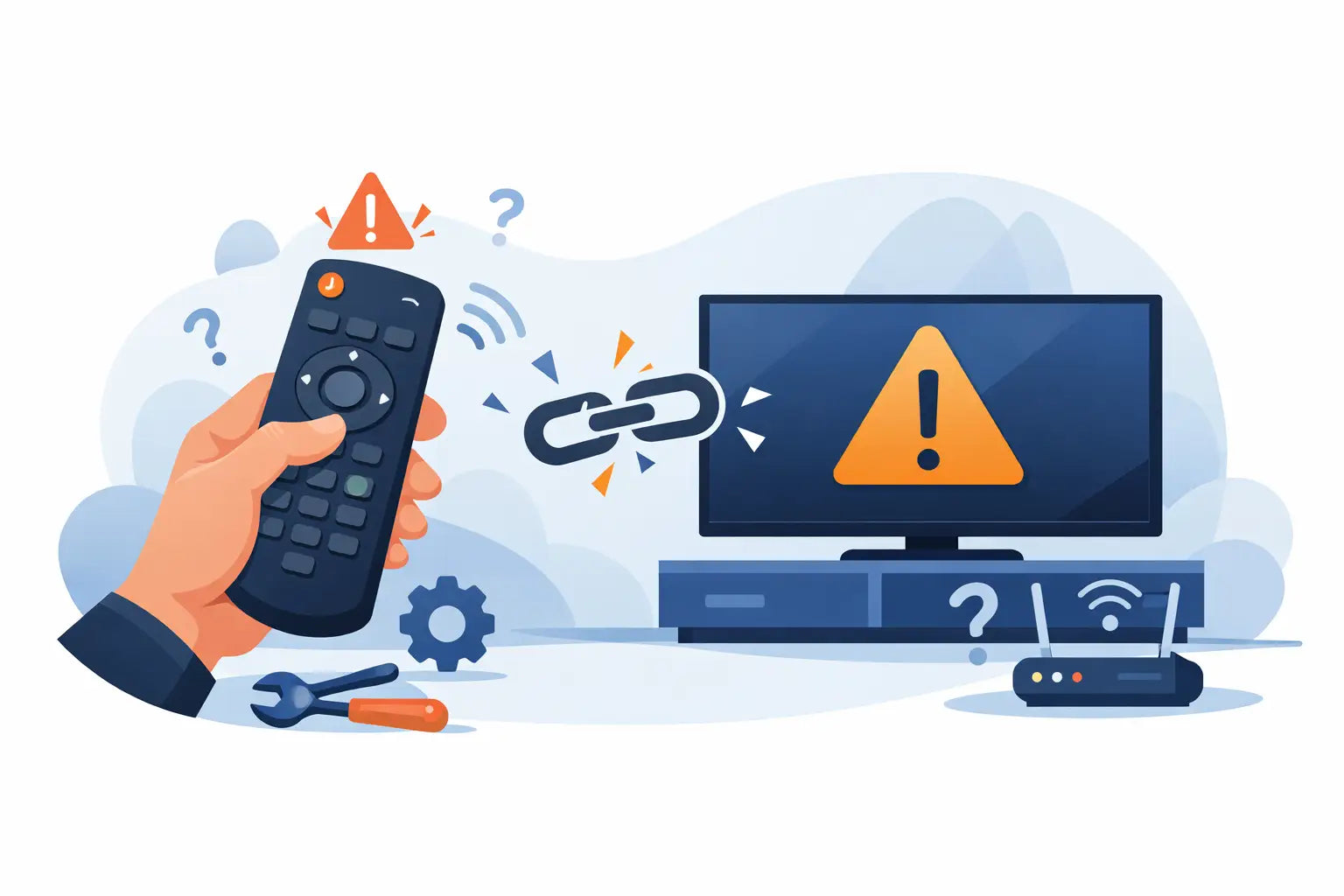
You sit down to watch the telly, press the power button, and nothing happens. If your remote control not pairing issue has appeared out of nowhere, the good news is that it is often a simple fix. In many cases, the problem comes down to batteries, setup steps, signal interference or using a remote that is not the correct match for your TV model.
Before you assume the television itself is faulty, it is worth checking a few basics. Pairing problems can happen with smart TV remotes, voice remotes and replacement handsets, especially when a household has more than one similar device. A few minutes of methodical checking can save a lot of frustration.
Why a remote control not pairing happens
Not every remote works in the same way. Some use standard infrared, which only needs line of sight to the TV. Others use Bluetooth or radio frequency, which may need a proper pairing process before they will respond. That difference matters, because a remote that looks right may still not connect if the TV expects a specific type.
The most common causes are flat or poor-quality batteries, incorrect pairing steps, software glitches after a power cut, interference from other nearby electronics, or a remote that is only partially compatible. Wear and tear also plays a part. If a handset has been dropped, had battery leakage, or sat in a drawer for months, it may not perform as it should.
There is also a more practical issue many people run into: brand name alone is not always enough. A Samsung remote is not automatically right for every Samsung TV, and the same applies to LG, Panasonic, Philips, JVC, Bush, Logik and other major makes. Model-specific matching is often what makes the difference between a quick fix and a wasted purchase.
Start with the simple checks first
If the remote has stopped responding, begin with the batteries. Replace both with fresh ones, making sure they are fitted the right way round. It sounds obvious, but this solves a surprising number of cases. Cheap batteries can also cause inconsistent behaviour, so if pairing starts but does not complete, try a decent new set.
Next, restart the television fully. Turn it off at the wall, unplug it, and leave it for a minute before powering it back on. This helps clear minor software faults that can stop a Bluetooth or smart remote from reconnecting properly. If the remote was previously paired and has suddenly stopped working, this is one of the best first steps.
Then check distance and position. For infrared remotes, point directly at the TV sensor with nothing blocking the front panel. For Bluetooth remotes, stay reasonably close during setup. If you are trying to pair from across the room while a soundbar, games console or set-top box is active, the TV may not register the command properly.
How to fix a remote control not pairing with a smart TV
With smart TVs, the pairing process usually needs to be done in a specific order. That order varies by brand, but the basic principle is the same: switch the TV on, insert fresh batteries, and hold down the required buttons for several seconds until the TV confirms the connection.
If you still have the original instructions, use them. If not, look at the remote carefully. Many pairing remotes have a dedicated pair, home, back or play button combination. Pressing random buttons too quickly can actually interrupt the process, so it is better to try one clear method at a time.
When a remote has previously worked and now will not pair again, remove the batteries, press and hold the power button on the remote for around 10 seconds to discharge any residual power, then refit the batteries and start again. This reset often helps with handsets that have frozen.
It also helps to reduce interference while pairing. Move wireless speakers, streaming sticks and other Bluetooth accessories away from the TV for a moment if possible. In busier living rooms, devices can compete for attention, particularly during first-time setup.
Check whether the remote is actually compatible
This is where many pairing issues begin. A remote may be sold as suitable for a certain brand, but there is a difference between universal, compatible and original-spec replacements. Some universal remotes need manual programming codes. Some compatible remotes cover only selected model ranges. Some original-style replacements work straight away with no setup at all.
That is why the TV model number matters more than appearance alone. Two remotes can look nearly identical but use different commands internally. If your remote control not pairing problem started after buying a replacement, double-check the exact television model listed on the back of the TV, not just the brand on the front.
The model number is usually found on a label at the rear or side of the set. Once you have that number, you can match far more accurately. This is especially useful for households trying to replace lost handsets quickly, because it avoids ordering a remote that is close, but not close enough.
Infrared remotes and pairing confusion
Some people assume every remote needs pairing. In fact, many standard replacement remotes do not pair at all. They simply work when the batteries are inserted, provided they are the correct model. If you are trying pairing steps on an infrared remote, you may be chasing the wrong problem.
A simple test is to use your phone camera. Point the remote at the camera, press a button, and look for a flashing light on the screen. If you can see the infrared signal, the remote is probably sending a command. If the TV still does not respond, the issue may be compatibility, obstruction, or a fault with the TV sensor rather than pairing.
This matters because it changes what you do next. If the remote is infrared and transmitting, repeated pairing attempts will not help. In that case, checking model compatibility is far more useful than trying another button sequence.
When the television is the problem
It is not always the handset. TVs can lose stored pairings after a software update, power interruption or internal fault. If the television menu can still be accessed using side buttons or a separate control method, look for settings related to remotes, Bluetooth devices or accessories and remove old pairings before trying again.
If the TV has become slow to respond overall, a full restart may help. If it no longer reacts to any remote at all, even a known working one, the issue may sit with the sensor board or wireless receiver inside the television. At that point, replacing the remote may not solve it.
That said, if the original handset is visibly worn, has sticky buttons or drains batteries quickly, it is often still worth trying a properly matched replacement before assuming the TV has failed. For many households, that is the quickest and most affordable next step.
Choosing the right replacement saves time
When you need a replacement fast, it is tempting to buy the cheapest remote that looks roughly right. That can work, but it can also leave you back where you started. A model-specific replacement is usually the safer option, particularly for smart TVs with voice control, menu shortcuts and streaming buttons.
Spares Direct Oldham focuses on practical replacements for major brands because getting the right match first time matters. For customers, the main benefit is simple: less guesswork, quicker setup and a better chance of restoring normal use without replacing the whole television.
If you are ordering, keep the exact TV model number to hand and check whether the product is original, equivalent replacement or universal. That small step can make the difference between plug-and-play convenience and another evening spent troubleshooting.
When to stop troubleshooting
If you have tried fresh batteries, reset the remote, restarted the TV, checked for infrared output, confirmed the correct pairing steps and verified compatibility, there comes a point where more experimenting is just wasted time. Either the remote is faulty, the replacement is not the right one, or the television has a receiver issue.
For most people, the sensible route is to replace the handset with one matched to the exact model rather than continue struggling with an unreliable remote. It is a low-cost fix compared with replacing a working TV, and it gets the household back to normal much faster.
A remote should make life easier, not turn switching channels into a job. If yours is not pairing, treat it as a matching problem first, a setup problem second, and only then as a sign of a bigger fault.