
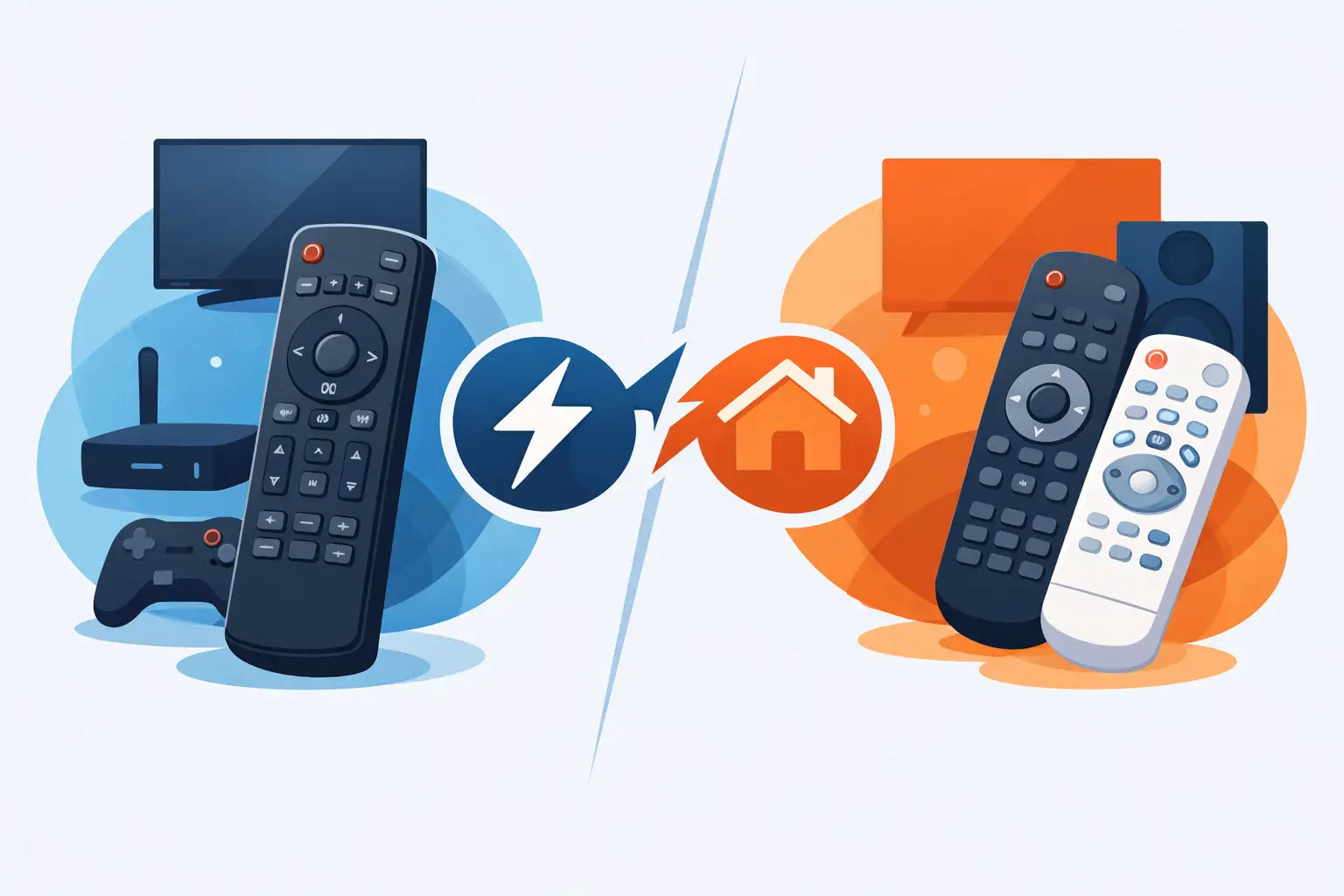
The television is working, but the remote has stopped responding, gone missing down the side of the sofa or has buttons that only work when pressed at exactly the right angle. At that point, the choice usually comes down to universal remotes versus brand remotes. Both can restore control quickly, but the right option depends on your TV, the functions you use and how much setup you are prepared to do.
For many households, a replacement remote is a simple, affordable way to keep a perfectly good TV in use. The key is choosing one that gives you the controls you need without creating a new problem with programming or compatibility.
Universal remotes versus brand remotes: the main difference
A brand remote is made for one manufacturer and is normally designed to match a particular TV range or a group of closely related models. A replacement Samsung remote, for example, is intended for Samsung televisions. A Panasonic, LG, Philips, Bush, JVC or Logik replacement is similarly built around that brand's command system.
A universal remote is designed to operate televisions from several different manufacturers. It contains codes for a range of brands and may need to be programmed before it will control your set. Some universal options can also run other equipment, such as a set-top box, DVD player or soundbar.
That makes universal remotes flexible, while brand remotes are usually more direct. Neither is automatically better. A universal remote can be a sensible choice for a spare bedroom TV or a simple setup, whereas a brand-compatible replacement is often the safer route for a main living-room television with smart features.
When a brand remote is the better choice
If you know the make of your TV and want the closest replacement to the original, choose a brand remote or a compatible model-specific replacement. It is usually the quickest way to get back to watching television without working through a code list.
Many brand-compatible remotes work straight from the box once batteries are fitted. This is particularly useful when the original remote has failed completely and you cannot easily access the TV settings. It is also helpful for households where several people use the television and no one wants to remember a new button layout or programming method.
The layout is another advantage. Brand remotes tend to keep familiar controls in familiar places, including volume, channel, guide, menu, source and home buttons. If you regularly use BBC iPlayer, Netflix, Freeview, recordings or the TV's settings, a replacement designed for your brand is more likely to include the buttons you expect.
This matters with smart TVs. A basic universal remote may turn the television on, change channels and adjust the volume, but it may not provide every shortcut or menu command available on the original handset. If the TV is used for apps, streaming, catch-up services or changing picture settings, retaining those functions can save a lot of frustration.
A brand replacement is also the practical option when buying for an older relative, a tenant or anyone who needs a straightforward solution. The fewer setup steps involved, the easier it is to get the TV working again.
Check the TV model before ordering
Brand alone does not always guarantee a perfect match. Manufacturers use different remote designs across their ranges, and newer smart TVs can have different functions from older models. Check the model number on the back or side of the television, or look at the label near the mains connection.
The model number may include a mixture of letters and numbers, such as the screen size followed by a product series. Comparing this with the compatibility information on the replacement remote gives you the best chance of receiving the correct option first time. If the original remote is still available, its own part number can also be useful.
Where universal remotes make sense
Universal remotes are useful when you have more than one device to control or you do not want to search for an exact original-style replacement. A well-chosen universal handset can reduce the number of remotes on the coffee table and bring basic TV control back at a modest cost.
They can be especially helpful for older televisions, where the genuine original remote may no longer be readily available. If your requirements are simple - power, volume, channels, source and menu access - a universal remote may cover everything you need.
Some models offer automatic code searching. You follow the instructions, point the remote at the TV and allow it to test codes until the television responds. Others use a code entry system, where you find the relevant code for your TV brand and enter it using the keypad. Both methods can work well, but they take a little more time than fitting batteries to a compatible brand replacement.
Universal remotes are not all the same. Lower-cost versions may support a wide range of brands but offer fewer dedicated smart TV buttons. More advanced versions can control several devices, although the extra options can make them less straightforward for everyday use. It is worth buying for the equipment you actually have rather than paying for features you will never use.
Compatibility is more than switching the TV on
The most common mistake when replacing a remote is assuming that successful power control means full compatibility. A remote may switch the television on and off but still fail to open the programme guide, select inputs, operate apps or access settings.
Before choosing, think about what you use during a normal week. If you only watch Freeview channels, basic controls may be enough. If you use HDMI inputs for a games console, manage recordings, alter subtitles or rely on streaming apps, you will need a remote with a fuller set of functions.
For this reason, a compatible brand remote is often the better value rather than simply the lowest-priced option. It avoids having to keep the original remote nearby for one or two missing controls, which defeats the purpose of replacing it.
There can also be a difference between an original manufacturer remote and a compatible replacement. An original unit is made by the TV manufacturer. A compatible replacement is made to work with the relevant brand or model range, often at a more accessible price. For most households, a good compatible remote is a practical choice provided that the listed compatibility matches the TV.
Setup, batteries and everyday reliability
Whatever type you choose, start with fresh batteries. Weak batteries can make a new remote appear faulty, cause delayed responses or reduce its range. Check that the battery terminals are clean and that the batteries are inserted in the correct direction.
With a brand-compatible replacement, test the main functions straight away: power, volume, channels, source, menu and any smart TV or guide buttons you use. With a universal remote, keep the instructions and code list until you have tested those same functions. A code that controls power and volume may not necessarily support every feature.
Remember that infrared remotes need a reasonably clear line of sight to the TV sensor. If commands only work from close range, remove anything blocking the front of the television and try fresh batteries before assuming the remote is at fault.
If the original remote stopped working after a spill or was dropped, it is usually more economical to replace the handset than attempt a repair. The same applies to worn buttons, cracked cases and battery corrosion. A replacement remote can extend the useful life of a television for a small fraction of the cost of a new set.
How to choose without wasting time
Start with the TV brand and model number. Then decide whether you need a like-for-like layout and full access to smart features, or whether basic control is enough. If convenience is the priority, choose a compatible replacement that is listed for your brand or model range. If you want one handset for several pieces of equipment, a universal remote may be worth the extra setup.
It is also sensible to consider who will use it. A simple, familiar brand remote is usually easier for children, visitors and older family members. A universal remote can be ideal for a more technical user who is happy to programme it and wants fewer handsets around the home.
Spares Direct Oldham stocks replacement and compatible remotes for major TV brands, helping households find a practical match without replacing a working television. Checking the product description against your TV model before ordering remains the best way to buy with confidence.
A remote control is a small part of the home, but losing it can bring everyday viewing to a stop. Choose the option that restores the controls you actually use, and your TV can be back to normal with far less cost and disruption than replacing the whole set.