
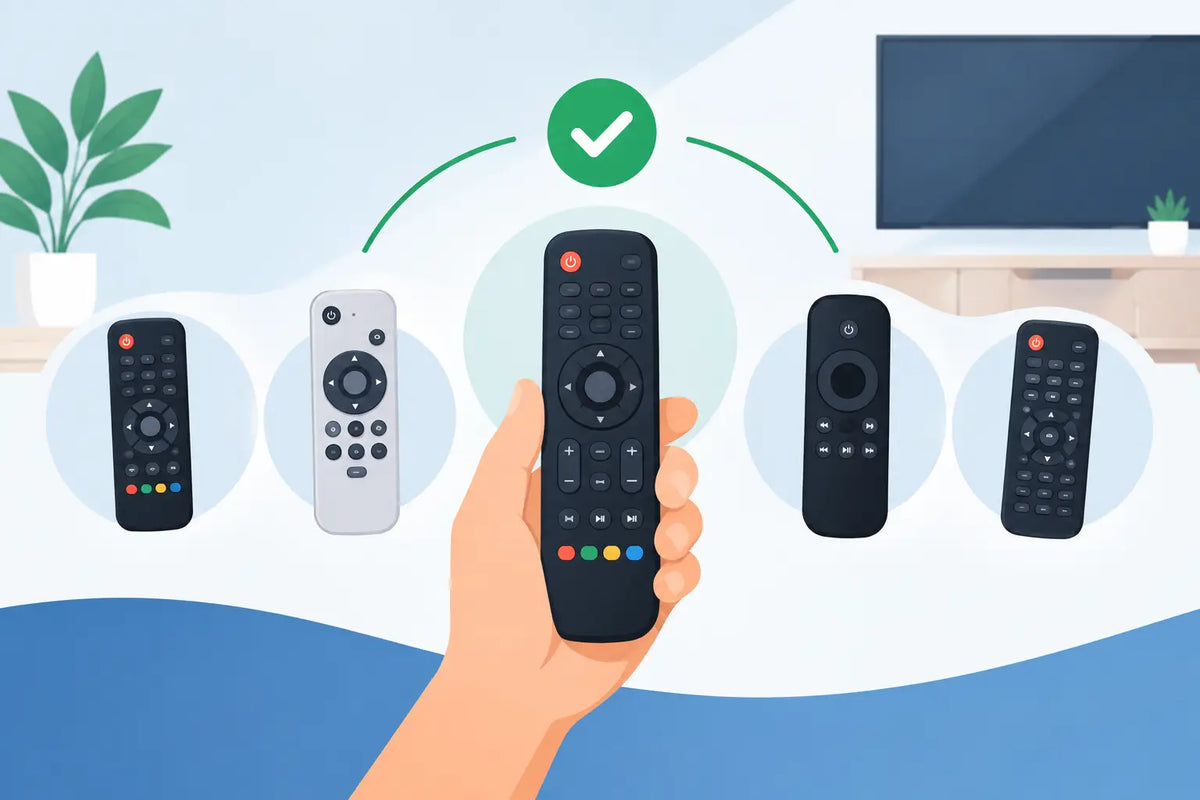
A missing or faulty TV remote can make an otherwise working television feel unusable. Before replacing the TV, check whether replacement remotes can restore the controls you need for a fraction of the cost. The key is choosing a remote that suits your television’s brand, model and features, rather than relying on appearance alone.
For most households, the quickest solution is a brand-specific compatible remote. These are designed to operate the main functions straight away, helping you get back to changing channels, adjusting volume and accessing menus without a complicated setup process.
Why the right replacement remote matters
Remote controls may look similar, but the signals and button layouts behind them can differ considerably. A remote made for one model may not communicate with another, even if both televisions carry the same brand name. That is why checking compatibility before ordering saves time, frustration and the inconvenience of returning an unsuitable part.
A properly matched replacement usually gives you access to the controls you use every day: power, volume, channel selection, source input, menu navigation and guide functions. Depending on the TV model, it may also support smart TV buttons, subtitles, recordings, streaming services or programme information.
A basic universal remote can be useful when an exact replacement is no longer available. However, universal options often need programming and may not reproduce every original button. If you want the closest match to the remote that came with your television, a compatible replacement for the correct make and model is generally the better choice.
How to identify compatible replacement remotes
The most reliable starting point is the TV model number, not the number printed on the old remote. Manufacturers often use one remote across several television ranges, while a single television series can have small differences that affect which remote is suitable.
Look for the model number on the label at the back or side of the television. It may also appear in the instruction manual, on the original box or within the television settings menu. Write it down exactly, including letters, numbers and any hyphens. A small variation can point to a different screen size, production run or feature set.
Next, confirm the television brand. Replacement remotes are commonly available for Panasonic, JVC, LG, Philips, Bush, Samsung and Logik televisions, among others. Brand-specific listings should clearly state the models or ranges they support. If your original remote is still available, compare the key layout too, particularly the menu, source, home and navigation buttons.
Do not assume that a remote with the same shape will work. The correct listing will refer to compatible television models or an original remote part number. This information gives you far more confidence than matching the colour or the position of a few buttons.
When the remote number is useful
If you can read a part number from the rear of the old remote, it is still worth using. Search or compare that number alongside the TV model. It can help identify a direct replacement, especially for older sets where model information is difficult to find.
The remote number is particularly useful if the television has specialist features such as built-in recording, smart menus or dedicated streaming keys. A close compatible model may operate the TV’s core controls but omit a shortcut button you regularly use. That may not matter to every household, but it is worth considering before ordering.
Original, compatible or universal: which should you choose?
There is no single answer for every television. The right option depends on availability, budget and how closely you need the new remote to match the original.
An original manufacturer remote is the closest equivalent to the one supplied with the TV. It should have the same layout and feature support, making it a sensible choice when available. For some older televisions, though, original stock may be limited or priced higher than a compatible alternative.
Compatible replacement remotes are made to work with selected television models and are often ready to use once batteries are fitted. They offer a practical balance of cost, convenience and familiar controls. For a household that simply wants to get the television working again quickly, this is often the most straightforward route.
Universal remotes work across multiple brands, usually after entering a code or following a programming process. They can be useful for controlling several devices or for less common TVs. The trade-off is that setup takes longer, and certain functions may be unavailable or placed under different buttons.
If your TV is used by children, older relatives or anyone who prefers familiar controls, a model-specific compatible remote is usually easier to live with. There is less to remember and less chance of pressing the wrong key during everyday use.
Check the simple causes before you replace it
A remote that has stopped working is not always beyond repair. Before buying a replacement, fit fresh batteries and make sure they are inserted in the correct direction. Battery contacts can collect dirt or corrosion, particularly if old batteries have leaked, so inspect them carefully.
Check that nothing is blocking the sensor on the front of the television. Dust, ornaments or a soundbar placed directly in front of the sensor can interfere with the signal. Stand close to the TV and point the remote directly towards it when testing.
You can also test an infrared remote with a mobile phone camera. Open the camera, point the remote’s front at the lens and press a button. A working infrared emitter often appears as a flashing light on the phone screen. If there is no flash after trying new batteries, the remote may have failed.
Physical wear is another common issue. Repeated use can damage button contacts, especially power, volume, channel and navigation keys. A remote with missing buttons, a cracked case or intermittent response is usually better replaced than repeatedly repaired.
Setting up a new remote
Many compatible replacement remotes are designed for immediate use. Fit the recommended batteries, remove any protective film if present and test the power button first. Then check volume, channels, source selection and menu navigation. Testing the main functions promptly lets you confirm that the remote meets your needs while the model details are still to hand.
If you have bought a universal remote, follow the supplied instructions for code entry or automatic search. Keep the television switched on during setup and test several controls once a code is accepted. A code that turns the TV on and off may still not support every menu or input function, so it is worth checking more than one button.
For smart televisions, test the home screen and any services you use regularly. Some replacement remotes include dedicated buttons, while others use a general home or menu key to reach the same functions. The route may be slightly different, but core access should remain straightforward.
Getting the most from your replacement remote
A new remote lasts longer with a few basic habits. Keep it away from drinks, avoid leaving it on the arm of a chair where it can be sat on, and replace batteries as soon as response becomes inconsistent. Remove batteries if the remote will not be used for an extended period, particularly in a spare room or holiday property.
It is also sensible to keep the television model number somewhere easy to find. A photograph of the rear label stored on your mobile phone can save a surprising amount of time when you need replacement parts later, whether that is a remote, stand screws or another accessory.
At Spares Direct Oldham, the focus is on helping households find practical, compatible parts without the cost of replacing equipment that still has plenty of life left. Choosing the right remote begins with one small detail: check the TV model number first, then select a replacement made to put everyday control back in your hands.